OK, @Jedi_Appr0_0, I got confused because when you said
that suggested you wanted to do
PMA → Midihub/KS37 → {some sound device}
If you want to send MIDI messages to PMA-5 to play it as a sound module first try this:
KS37 → PMA-5 direct
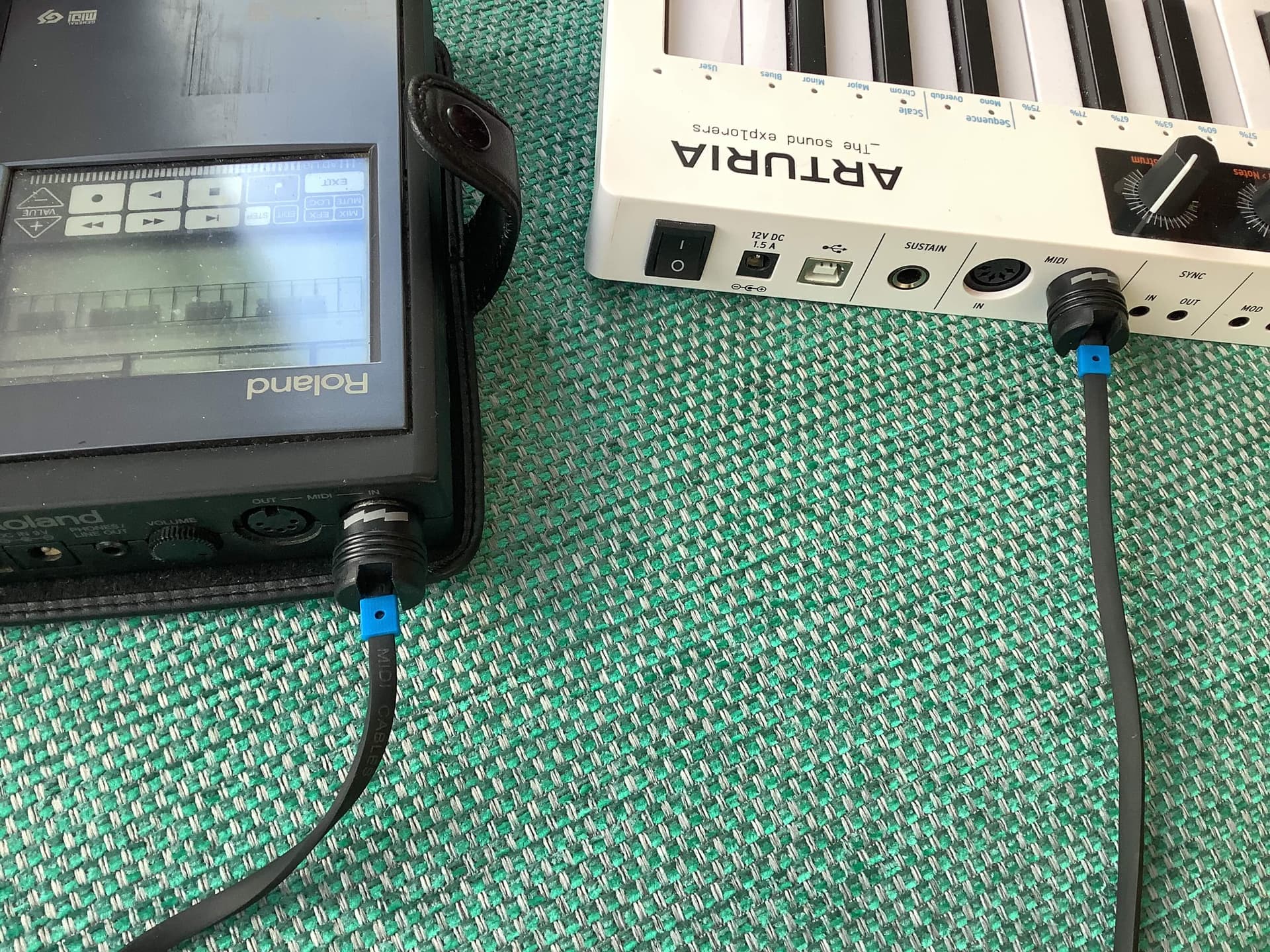
KS37 OUT → PMA-5 IN
-
when both devices are powered up…
-
…play a few KS37 notes on Ch.1 to hear whether you’re getting Part 1 voice playing
-
(I think the PMA-5 channels are 1, 2, 3, and 10 for drums but these may have been changed)
(see also note about Normal & GM/GS modes below)
Whatever, KS37 makes it so easy to change channels you can go through all 16 to find which, if any, sound.
No sound on any Channel?
check the manual: from memory there are pages about setting “Tx/Rx” channels. This is shorthand for “Transmit” and “Receive”
(There’s also Normal & GM/GS Sound Module modes. I can’t recall whether external messages play on both)
Sound on some Channels
make a note of which Channels and try this:
- Set a KS37 Arp or Seq going
Does it also start the current song on the PMA-5?
OK, so maybe time to bring in Midihub
KS37 → Midihub → PMA-5
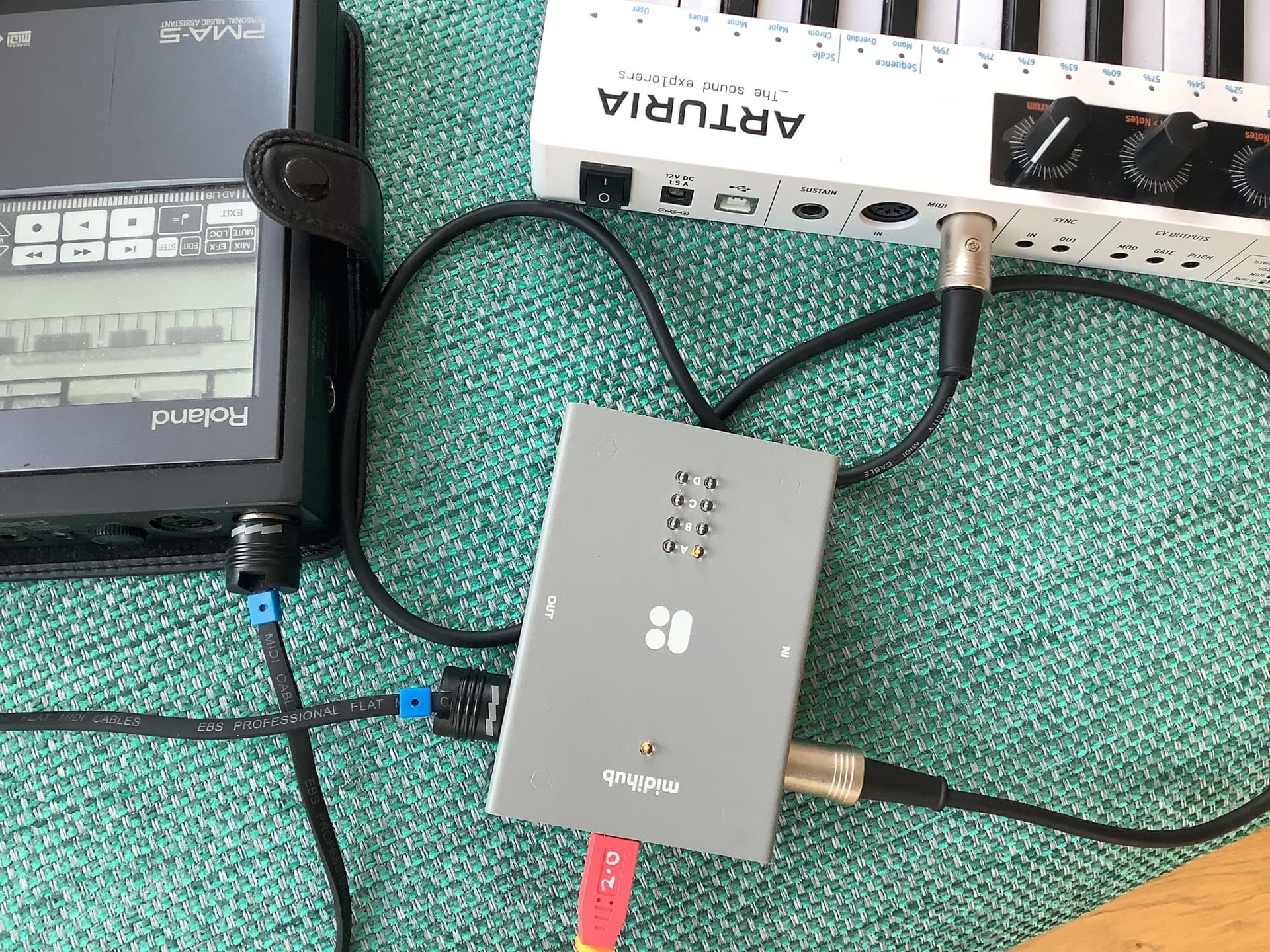
KS37 OUT → MH IN (here A)
MH OUT (here A) → PMA-5 IN
Now connect MH to the Editor…
… and create a new preset with just these 3 pipes:
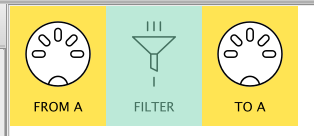
- Now watch the MIDI Monitor (and the LEDs!) as you hit KS37 keys.
- Work through this tutorial to learn about why MIDI Monitor is important and how to tweak it
- Play around with the Filter to discard messages coming from KS37 that you might not want PMA to receive (like Start, Stop in PMA normal mode)
- Start experimenting : KS37 can change about 5 aspects of each voices’ sound via CCs