Hi:
I have a question to ask – seeing if anyone is more tech savvy than me.
I am looking to see if I can see my Roland PMA-5 to my Arturia Keystep 37. Is this possible?
Do I need to insert midi output Roland PMA-5 to Input Midihub and also daisy chain Arturia Keystep 37 MIDI Output to Midi hub input?
The pipelines not sure how to set it up either.
Thank you.
Yeah, kinda.
The first thing to do, IMO, is hook the PMA-5 up to, say, MIDI A IN and watch the MIDI Monitor.
This will tell you what the PMA-5 is sending out when you play a “Song” for example.
Then you can decide what messages you want to Filter out.
You might only want PMA-5 to set the KS37 tempo, for example, and so everything apart from Clock can be filtered.
The pipelines will again depend on what you want to achieve.
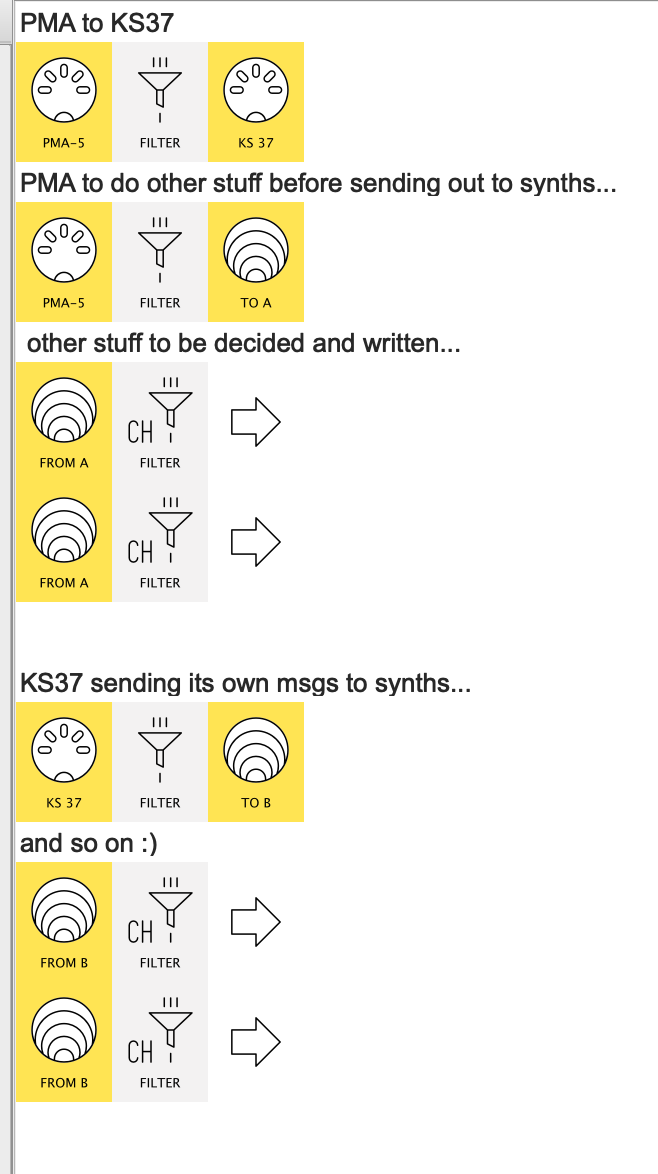
I might lay something like this down…
…and then start to think through it.
hope that’s enough to get you started 
Hi:
The Roland PMA-5 is GM or GS compatible.
Or, I don’t have to switch is to GM/GS mode, do I?
Can the MIDIHub recognize the Roland PMA-5? I haven’t been able to see if I can get the MIDIHub to recognize it.
Sound does not come through the MIDI Cables only the headphone/line out.
The pipelines mentioned – are these different choices or I would need to set up the pipelines exactly as pictured?
It would be nice to have the MIDIHub send the Roland PMA-5 instruments to the Arturia Keystep 37.
The Roland PMA-5 screen is way too tiny to play and record anything.
Thank you.
OK, @Jedi_Appr0_0, I got confused because when you said
that suggested you wanted to do
PMA → Midihub/KS37 → {some sound device}
If you want to send MIDI messages to PMA-5 to play it as a sound module first try this:
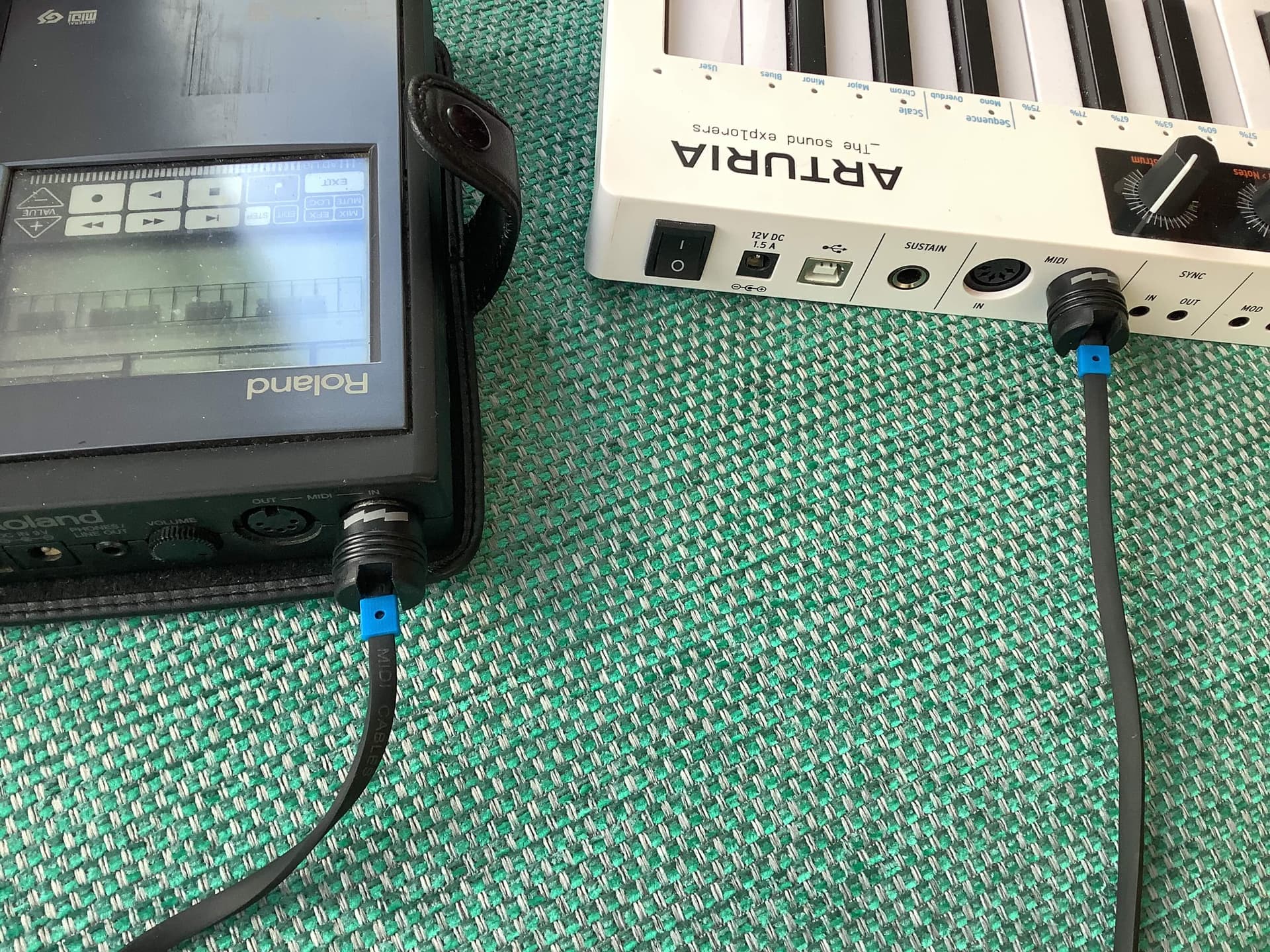
KS37 → PMA-5 direct
KS37
OUT → PMA-5
IN
-
when both devices are powered up…
-
…play a few KS37 notes on Ch.1 to hear whether you’re getting Part 1 voice playing
-
(I think the PMA-5 channels are 1, 2, 3, and 10 for drums but these may have been changed)
(see also note about Normal & GM/GS modes below)
Whatever, KS37 makes it so easy to change channels you can go through all 16 to find which, if any, sound.
No sound on any Channel?
check the manual: from memory there are pages about setting “Tx/Rx” channels. This is shorthand for “Transmit” and “Receive”
(There’s also Normal & GM/GS Sound Module modes. I can’t recall whether external messages play on both)
Sound on some Channels
make a note of which Channels and try this:
- Set a KS37 Arp or Seq going
Does it also start the current song on the PMA-5?
OK, so maybe time to bring in Midihub
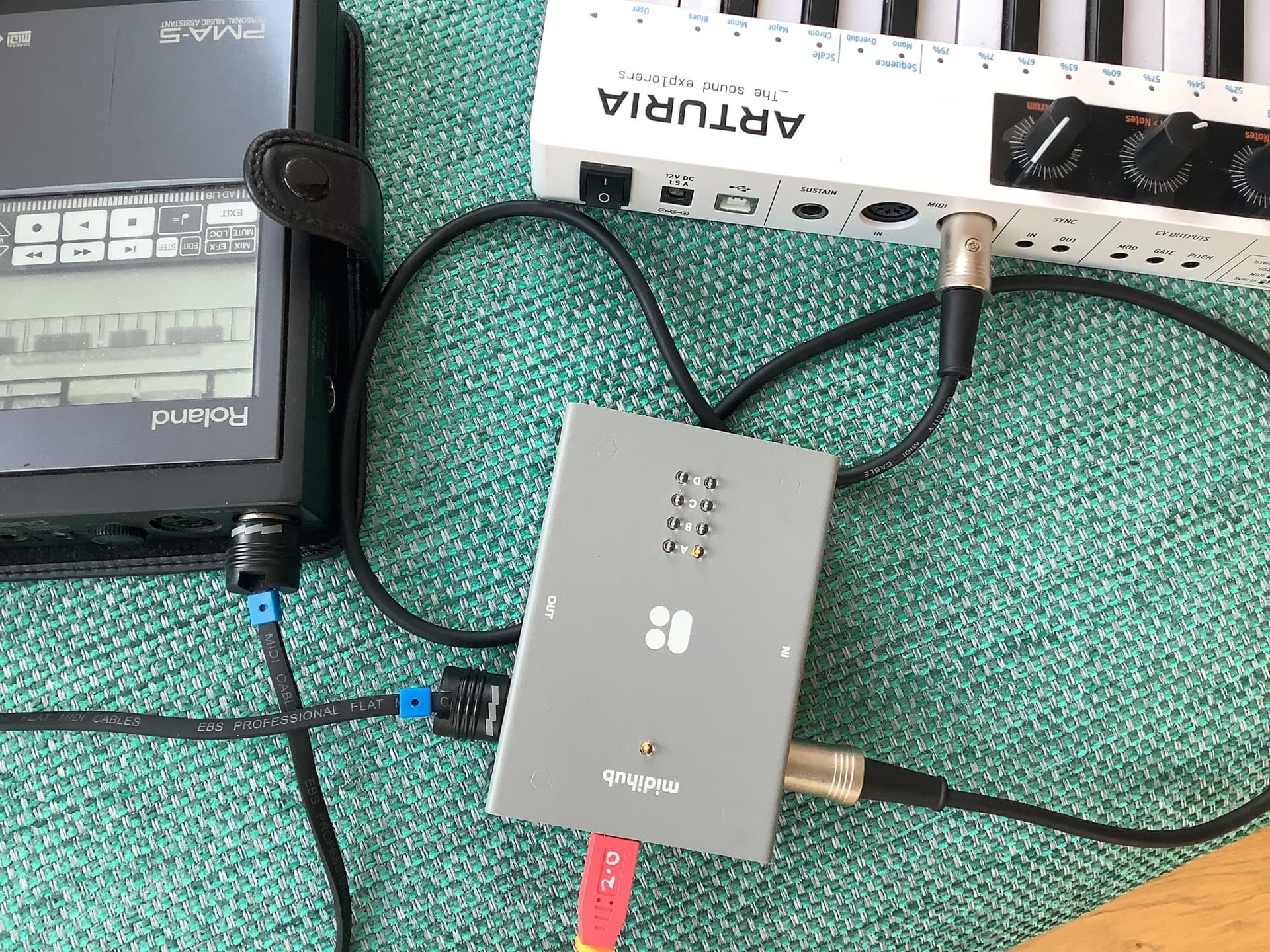
KS37 → Midihub → PMA-5
KS37
OUT → MH
IN (here A)
MH
OUT (here A) → PMA-5
IN
Now connect MH to the Editor…
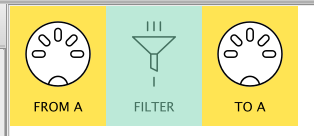
… and create a new preset with just these 3 pipes:
- Now watch the MIDI Monitor (and the LEDs!) as you hit KS37 keys.
- Work through this tutorial to learn about why MIDI Monitor is important and how to tweak it
- Play around with the Filter to discard messages coming from KS37 that you might not want PMA to receive (like Start, Stop in PMA normal mode)
- Start experimenting : KS37 can change about 5 aspects of each voices’ sound via CCs