Can anyone give insight about this please -my Pisound arrived today but sound from a line level synth in is somewhat distorted, how do I affect the mixer levels in software (or can I only use the pots?)-thanks.
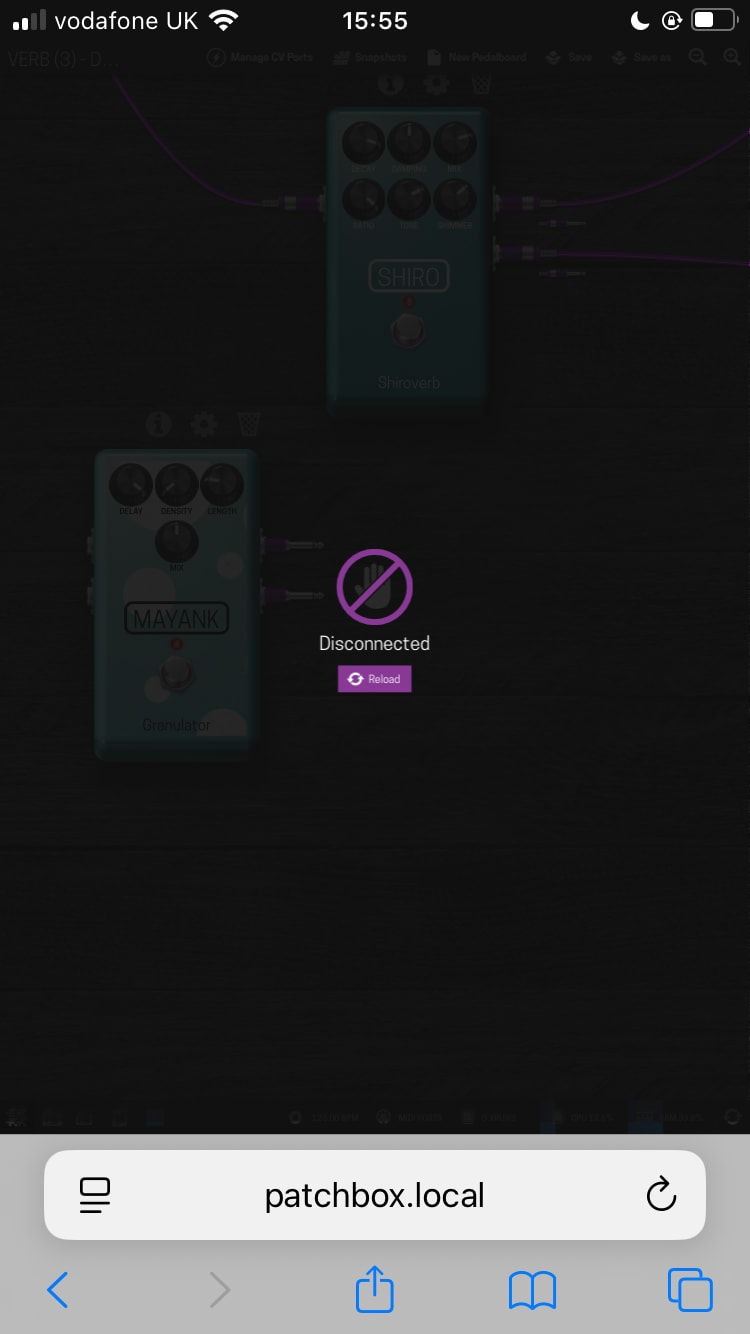
Pedalboard keeps dropping connection, it’s accessed via Chromium on the Pi via Ethernet-it’s making editing and testing a board almost useless.
Pedalboard hits almost 99% cpu with sometimes only 2 pedals loaded, I am on 3pib+; is this what I should be expecting?
I’m a little disappointed with the usability of this to be honest.
Keep the Pisound’s input gain knob at minimum level - it only affects the amplification of an incoming signal. Reduce the output volume on your synth so the loudest notes don’t trigger the clip LED.
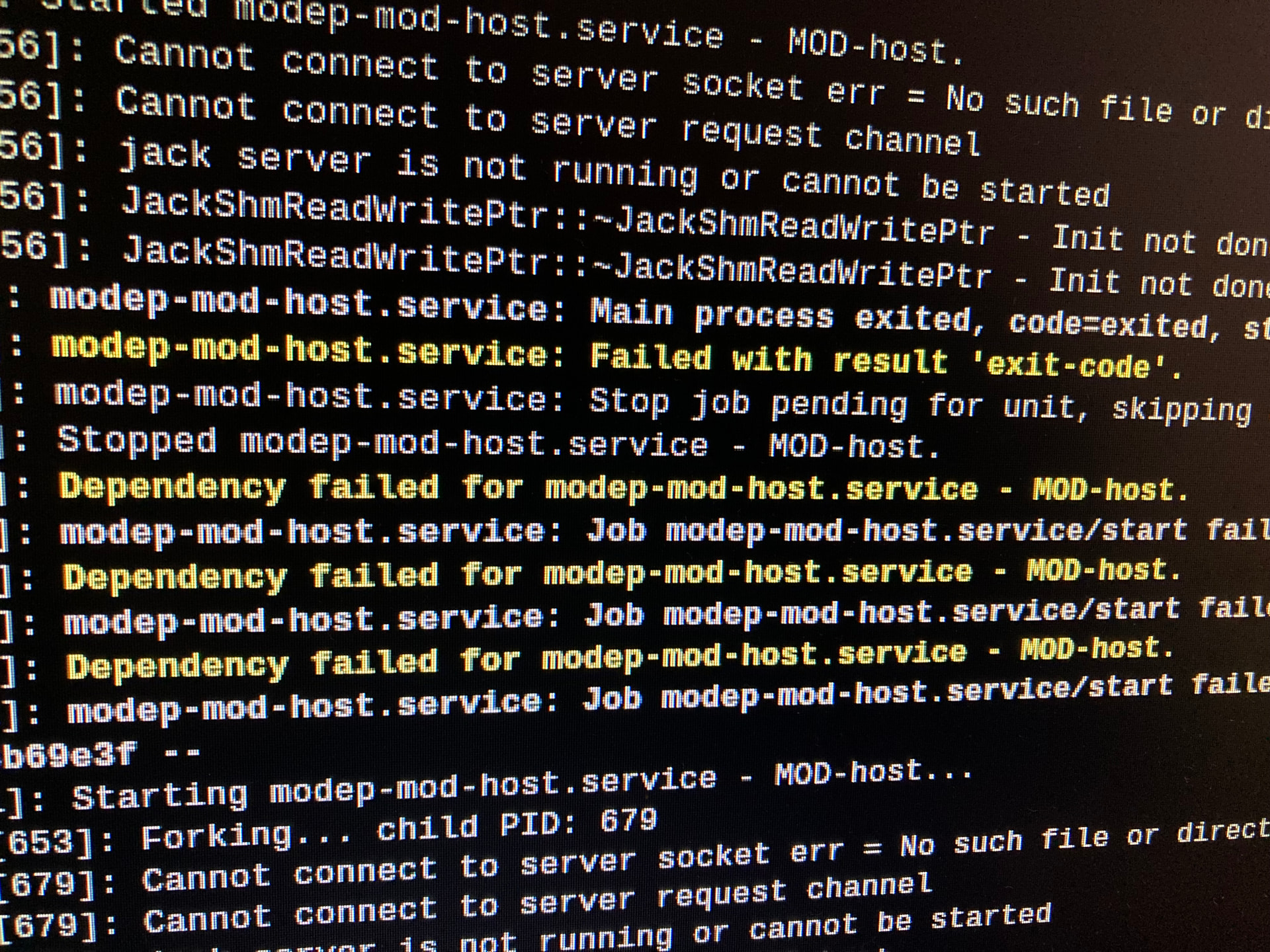
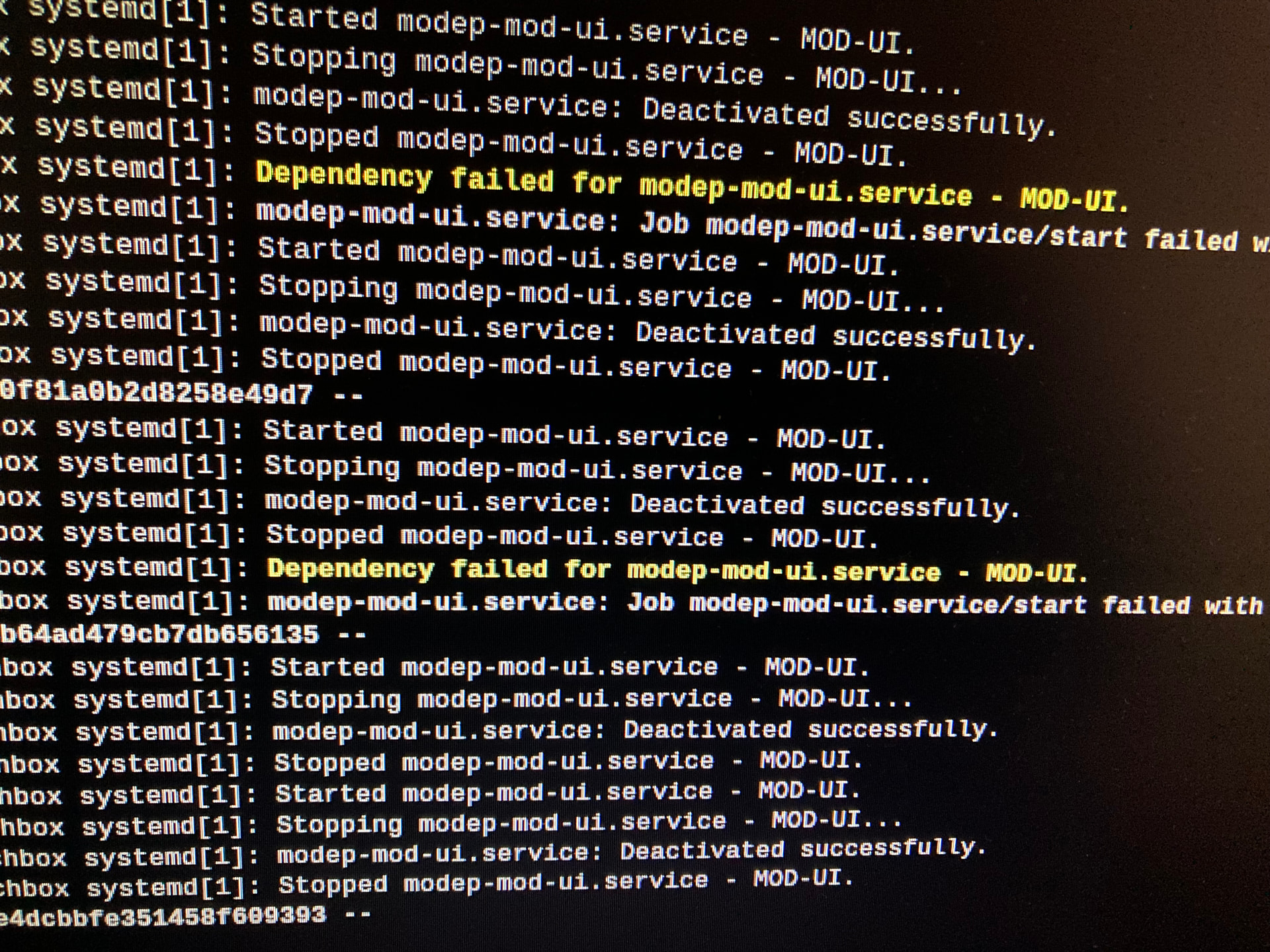
Check for any messages in the MODEP services or kernel logs. Use your computer / laptop / tablet on the same network to open http://<your_pi_ip>/ to edit the pedalboard.
This will also help reduce the CPU usage on the device itself.
Thankyou-I will check these. Please can you give me a pointer as to what I should be looking to see and how to remedy?
The issue with the dropping of Pedalboard, I only have access to the Pi, no other laptop or device, and it’s connected via ethernet so I do not understand the drop outs. But the high CPU, you think this may be an issue? Running 2 pedals should not cause 80-90% usage (a verb and a granulator).
many thanks.
It depends on how computing intensive the effects are, like running NAM models on 3B+ will be slow. Ideally disable the Desktop mode altogether. MODEP is mostly meant for using in headless mode, and to be accessed via an external browser. Ethernet connection is not even necessary, if you access it WiFi. It’s only for UI access, it does not need to connect to the Internet, unless you want to download more pedals.
I see, ok thanks. So to chain pedals together can be done without GUI? I’ll follow the documentation if you will please point me in right direction.
If I try to use an IPhone to operate Modep how do I do that, if possible? I downloaded Termius and it showed the Patchbox info but I had no idea how to proceed from there.
Thanks again for coming back with pointers- I really want to get this running sufficiently well.
See these links:
You have to connect to the same network with both devices, and access the MODEP through the IP address you find.
thanks, I did see these but I’ll read them more thoroughly and try and work it out.thanks
Thanks for your help. I do get some yellow text about dependencies and “failed with result exit code”- do you know what this means and how I fix, please?
I used Termius to get on same network, and loaded patchbox.local. It failed to load as soon as I tried to add a pedal.
Is there anything you can suggest to make it work?
I tried the other address but it would not load either.
@PuffinIsland I do see error messages about Jack not running. I assume you went through the Jack configuration process as described in the “Setup” section of the documentation?
Hello, I did not notice those error messages, and yes I went through the Jack config and set up info. Thanks for suggesting. What does the error mean? Audio seems to be fine now
Anyway, @Giedrius thanks for your suggestions. I managed to borrow a laptop and , coming off the phone connexions, found I could get to patchboxlocal and edit pedalboards etc, no distortion as before.
One pedal caused the same issue with the site dropping so I ignored that and other pedals so far worked well.
Hopefully everything is sufficiently okay now!
Thanks again
@PuffinIsland those messages would indicate to me that Jack is not starting …or … it’s trying to start Jack and it’s already running. If you flashed the Patchbox OS, using the PiSound and set the Jack configuration correctly out of the box it should just run. Not sure why the default install/config would have issues with Jack.
And reading your message I wonder if perhaps you used a plugin that is not working correctly. Yes, we have over 300 in Patchstorage but very likely that one or two are not working as expected. And perhaps that is why you had issues.
But glad to hear that everything is working now!
thanks @jtemple967 —if I recall what I did was install the Patchbox OS first (and tired to get it working with several audio hats or external cards) and once I got the PiSound just followed the install and config, maybe that caused an issue—still it does seem to work so far-better than previously.
i saw a YT video of someone using the Mayank Granulator without an issue. It’s this one that seems to be causing an issue, just about to try it again to see if it works.
Hopefully it’ll all be fine. have a nice evening
If you had to make changes to config.txt as part of setting them up, and left them there, they could interfere with Pisound, if the changes are not reverted.
Ah, so what would be the best procedure? I suppose I could do a fresh install?
If it works already, just use it. If you hit weird issues, then yes, a fresh install would be easiest. Don’t forget to do patchbox → Update afterwards, to get any necessary fixes since the OS image was built.