When I choose “File > Open” all the files with the Midihub extension (.mhp) are normal (black text) and other non-Midihub files are greyed out and can’t be selected, which is expected.
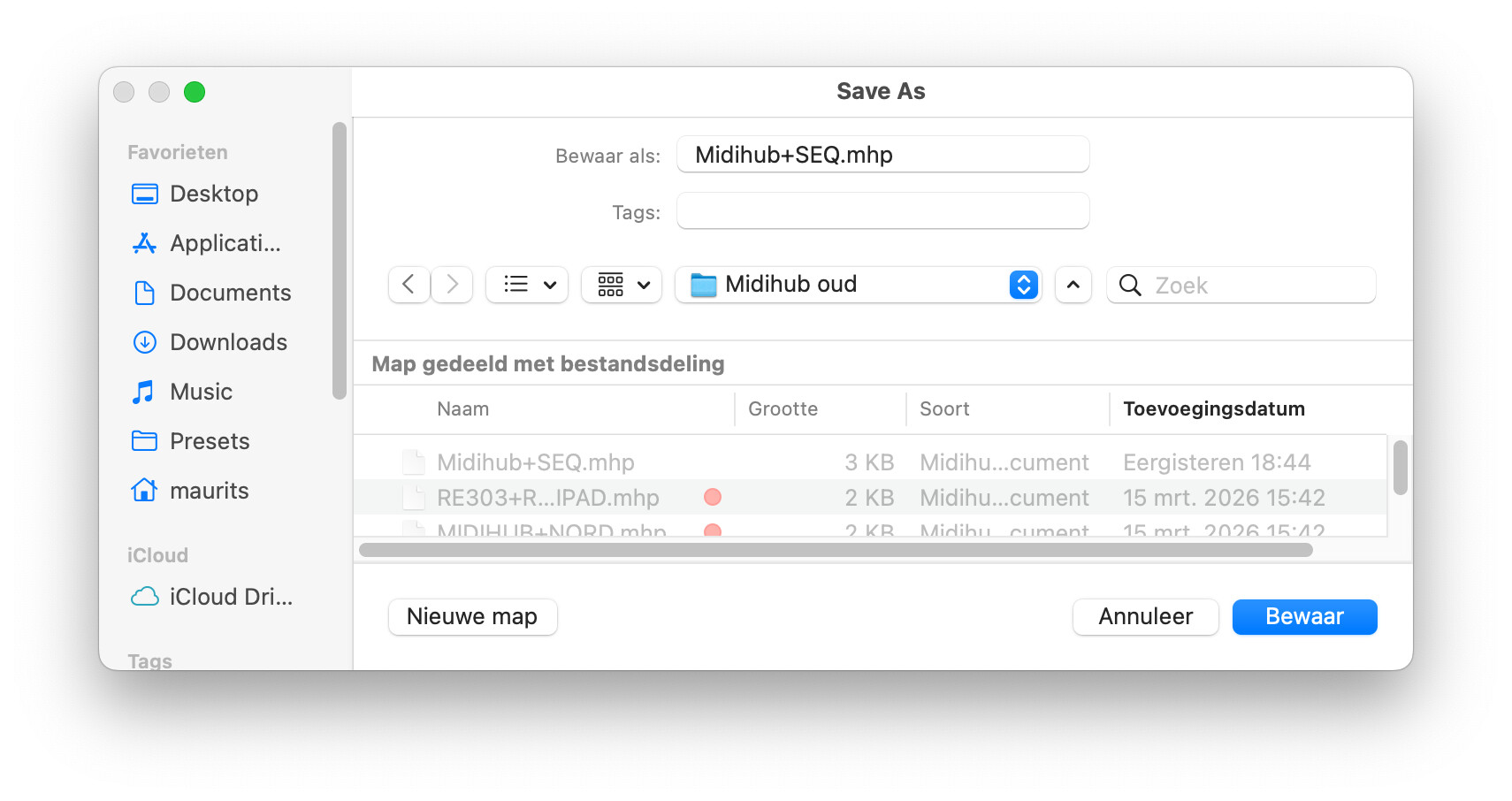
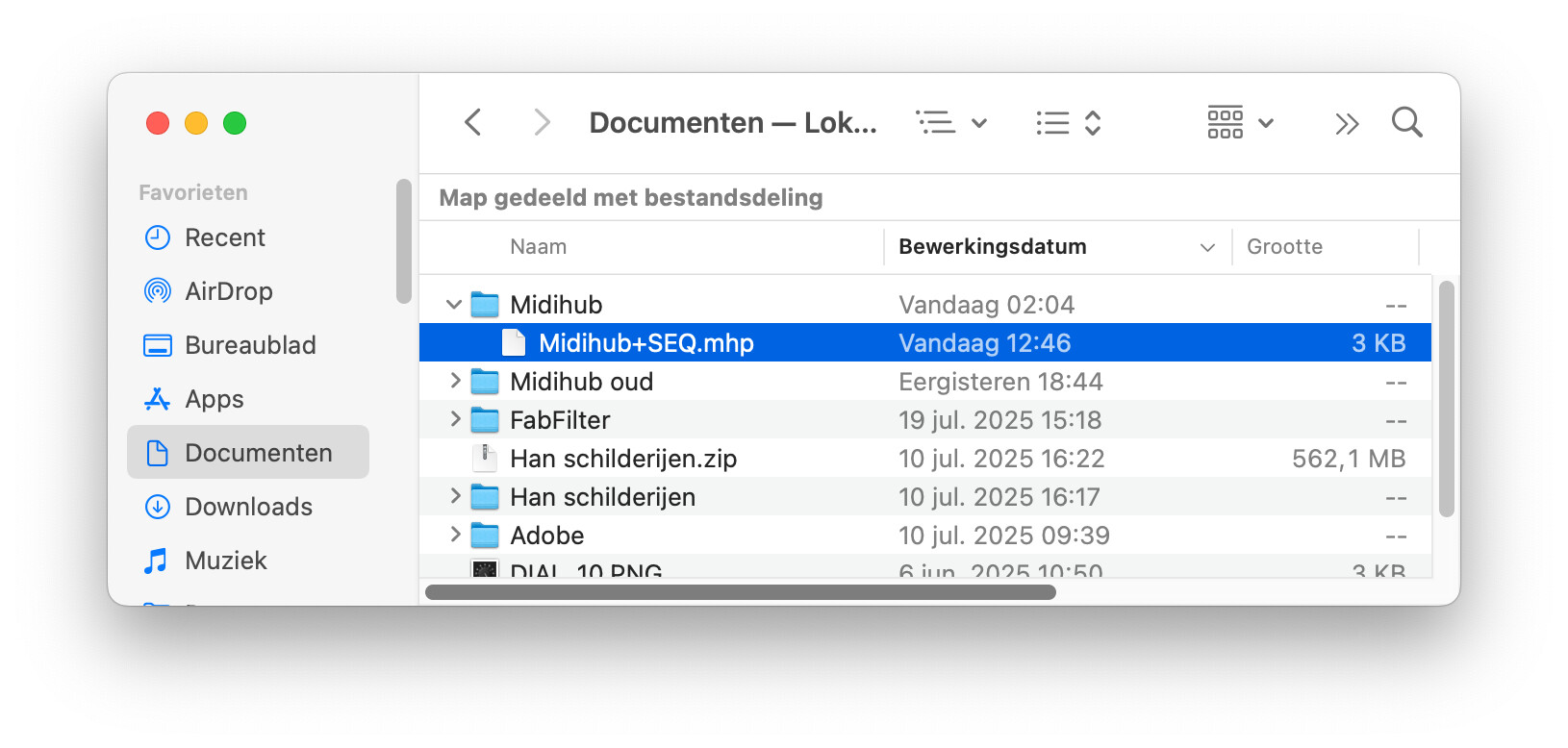
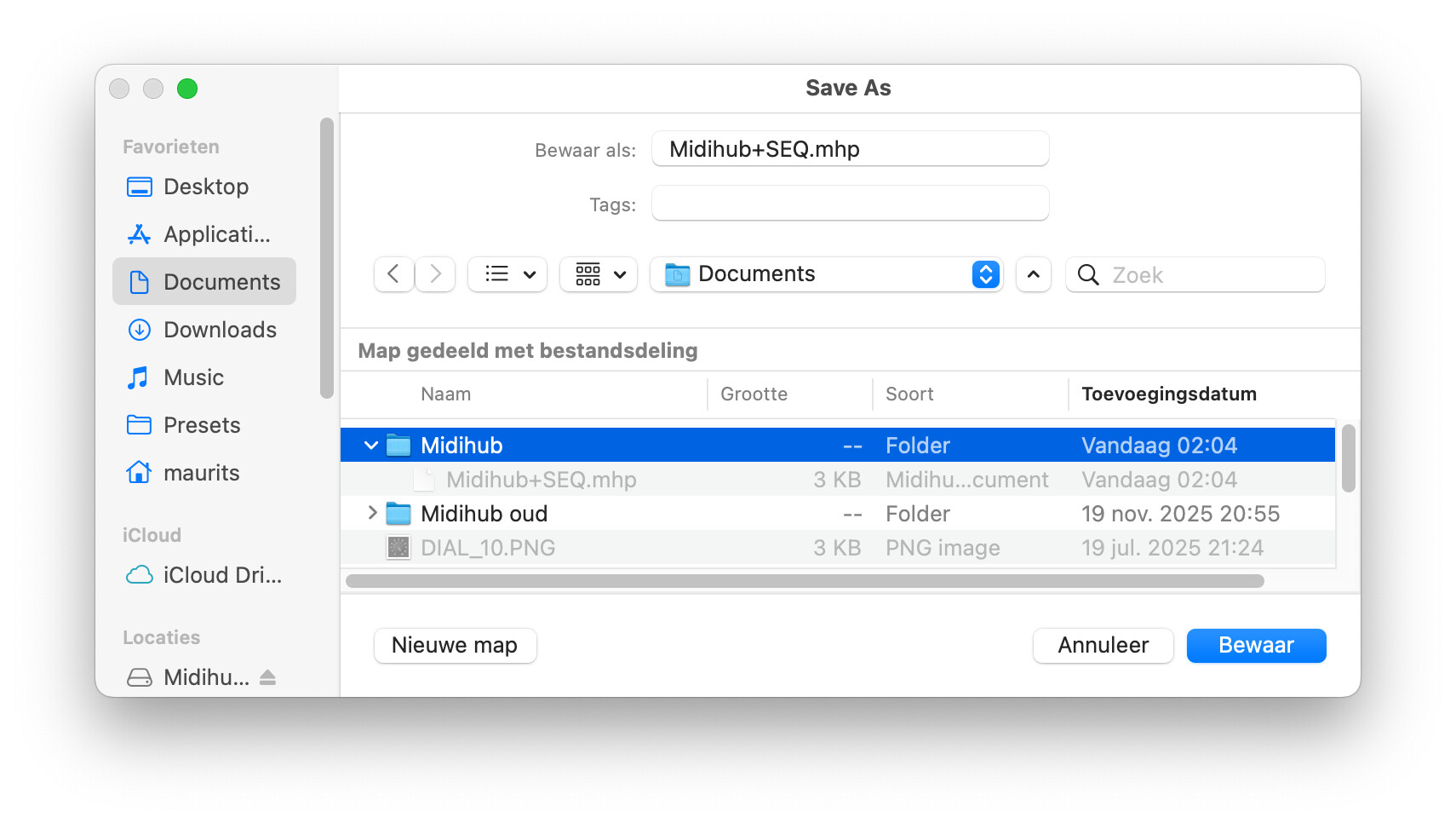
But… when I hit “Save As”, all the files in the Finder dialog are (light) greyed out, including the .mhp files!! Even worse, the file date is different from the actual file date shown in Finder. Even when I overwrite the exact same file, the file date stays the same (old) date like before, and stays incorrect even when I re-save the same file 5 sec later again. It just does not update the date ever! Only when I look at it normally in the Finder. The file itself does get saved though…
This happens on both internal SSD as well my iCloud drive. MacOS is Monterey 12.7.6.
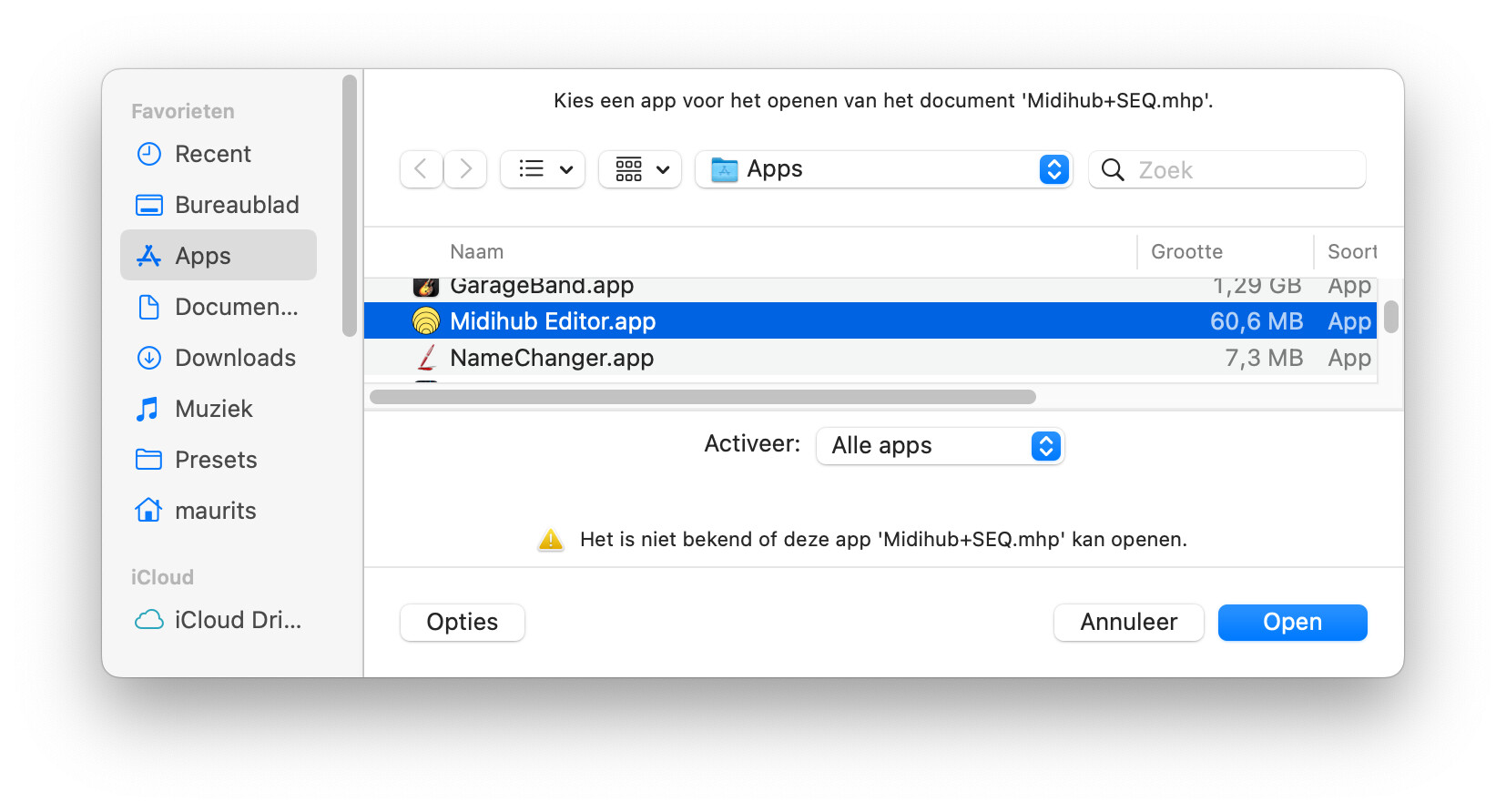
When I double-click the file outside the editor, Finder can’t find a proper app and I have to search for it:
hey, @hotswank, I had a quick look to see if I get same behaviour
This is same on my Mac, but also with other apps tested so I don’t see it as unusual.
My modified filetimes do get updated, however, so I can’t replicate that.
When I double-click the file outside the editor, Finder can’t find a proper app
double-clicking has never worked AFAIK.
It used to annoy me but I got used to always opening within the Editor.
Plus, ignoring double-click made sense to me when I learned I could have several instances of Editor open…
…though I would still like to be able to drag&drop onto a given Editor app icon in macOS.
Any chance @Giedrius  ?
?
I went ahead and reinstalled the editor from a newly downloaded version and it says v1.16.2 in the description, but the actual .dmg file is (and named) 1.16.1. Once installed it says update available 1.16.2. My question is why not distribute the 1.16.2 in the .dmg in the first place?
But I digres… The 1.16.1 does not fix showing the correct modification dates in the Save As nor Open dialogs (again: they are fine in the Finder). It seems like the editor does not overwrite the modification date fork but it does overwrite the data. I find that strange but will hook my hub to my normal desktop Mac to see what’s what and report back.
Just checked in Sonoma 14.8.3 and the “Save As” files also are greyed out, but the modification dates a correct. This leads me to think there is something wrong with my Monterey user rights and will create a clean ‘new’ user profile and report back.
Thank you, I fixed up the download links.
For the modification time - Midihub Editor simply accesses the files for read or write access. The OS is the one that should update the times, the Editor does not do anything about them. Keep in mind that there’s usually two dates tracked for files - the Creation Date and the Date Modified - the Creation Date should not change if you overwrite a file with new contents, the Date Modified should indicate when the last write operation took place. I’m not sure which is which in your screenshots. 
I’ll note this down.
You are absolutely right: for unknown reasons the date was NOT set to Modified in the Save As dialog in the editor  Thanks…