Hello
Can i use pisound to play (via a record deck) my vynl records and save as an audio file?
David
Hello
Can i use pisound to play (via a record deck) my vynl records and save as an audio file?
David
Hello, David, if your record deck provides amplification according to RIAA curve, then yes, Pisound can be used for recording to files, otherwise, you need a phono pre-amp in between.
Hello Giedrius
The record deck is connected to an amplifier. So i can take the music out with the phono plug.
So what do i need to do? I have pisound connected to a raspberry pi and followed the set up. But i dont see any app on the raspberry for audio.
David
Try using Audacity.
Thanks
I will try that.
Hello Giedrius
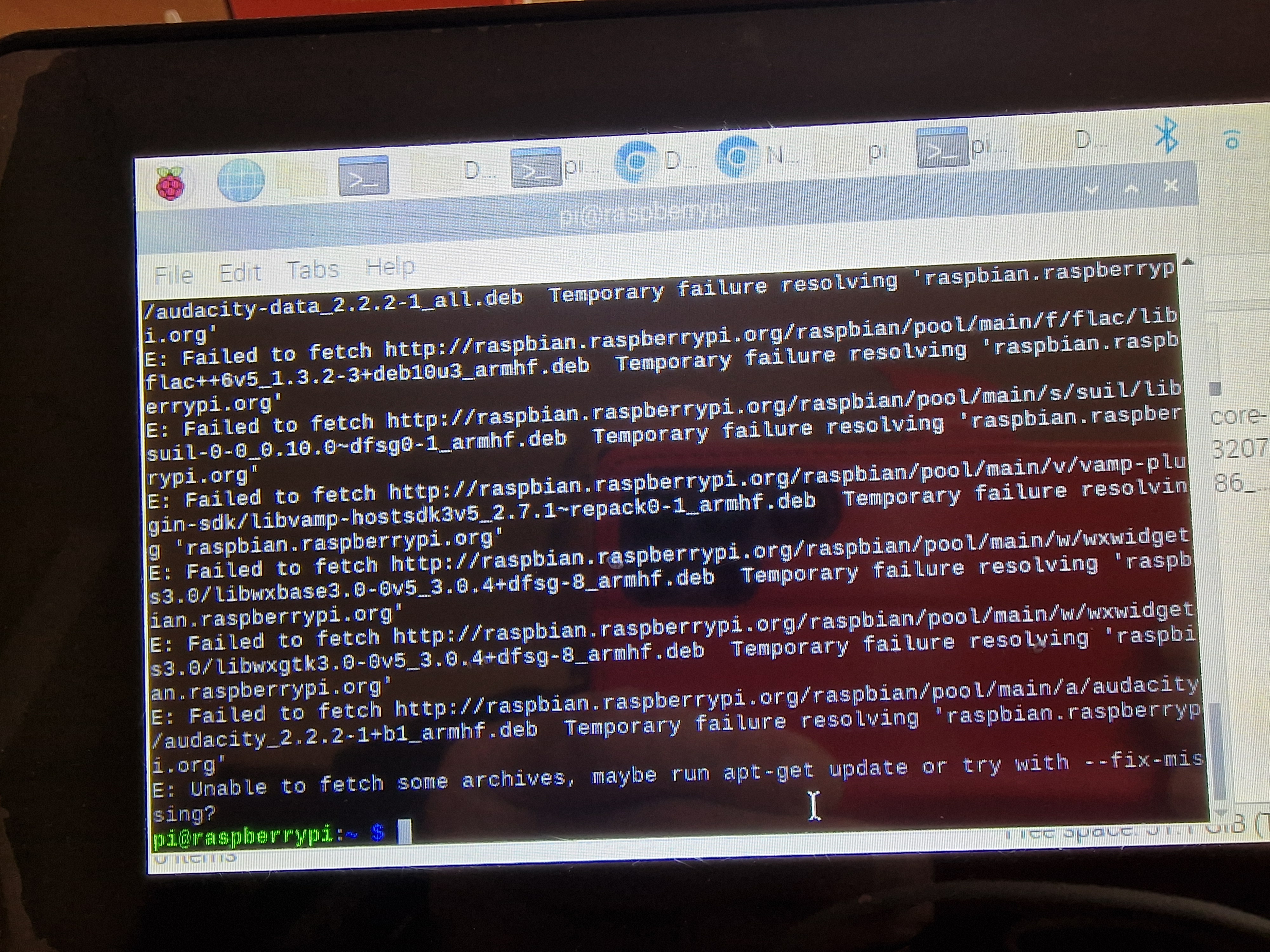
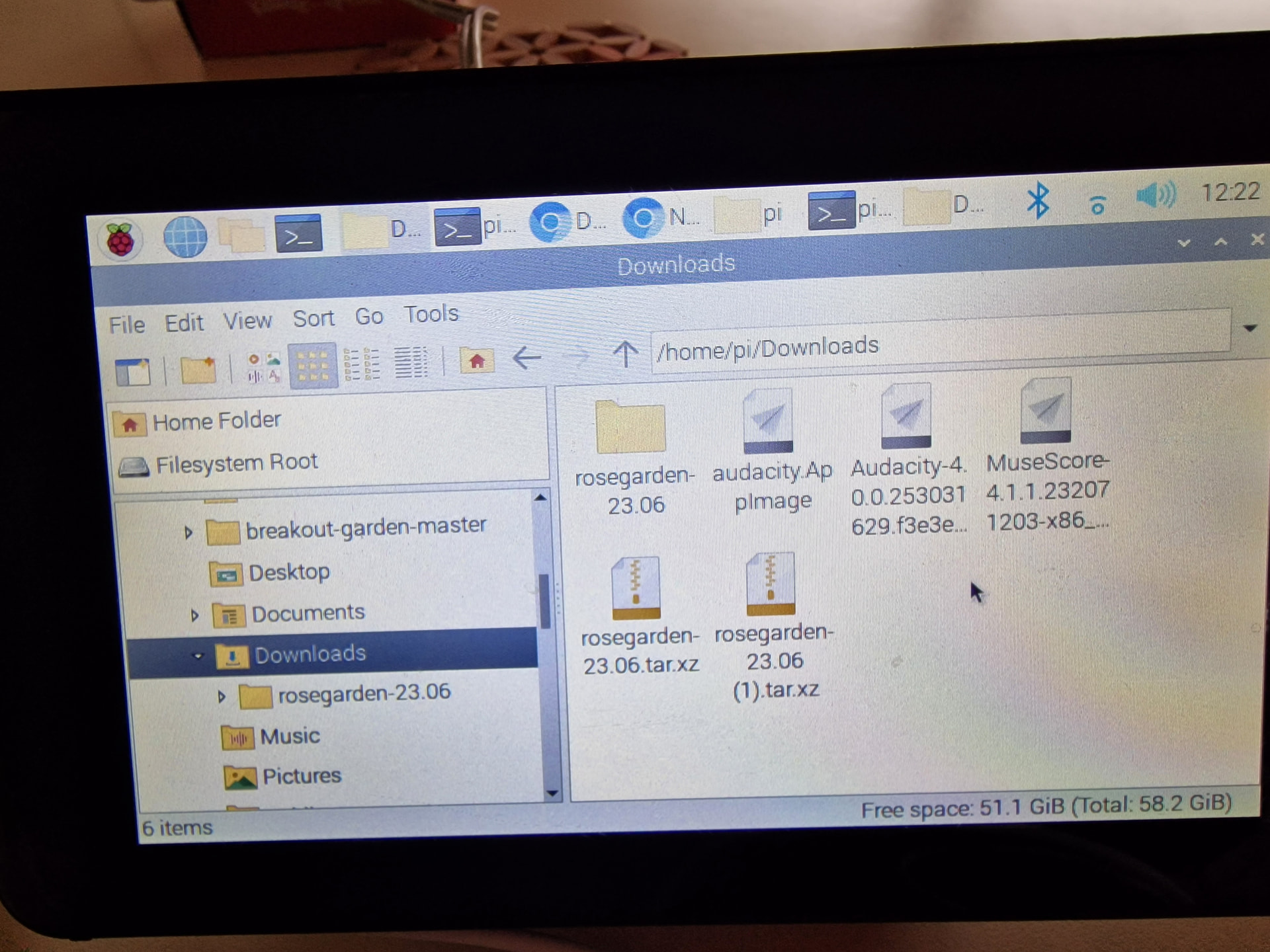
I down loaded the audacity app and double clicked to install it. But it does not seem to install. What next?
David
Try running:
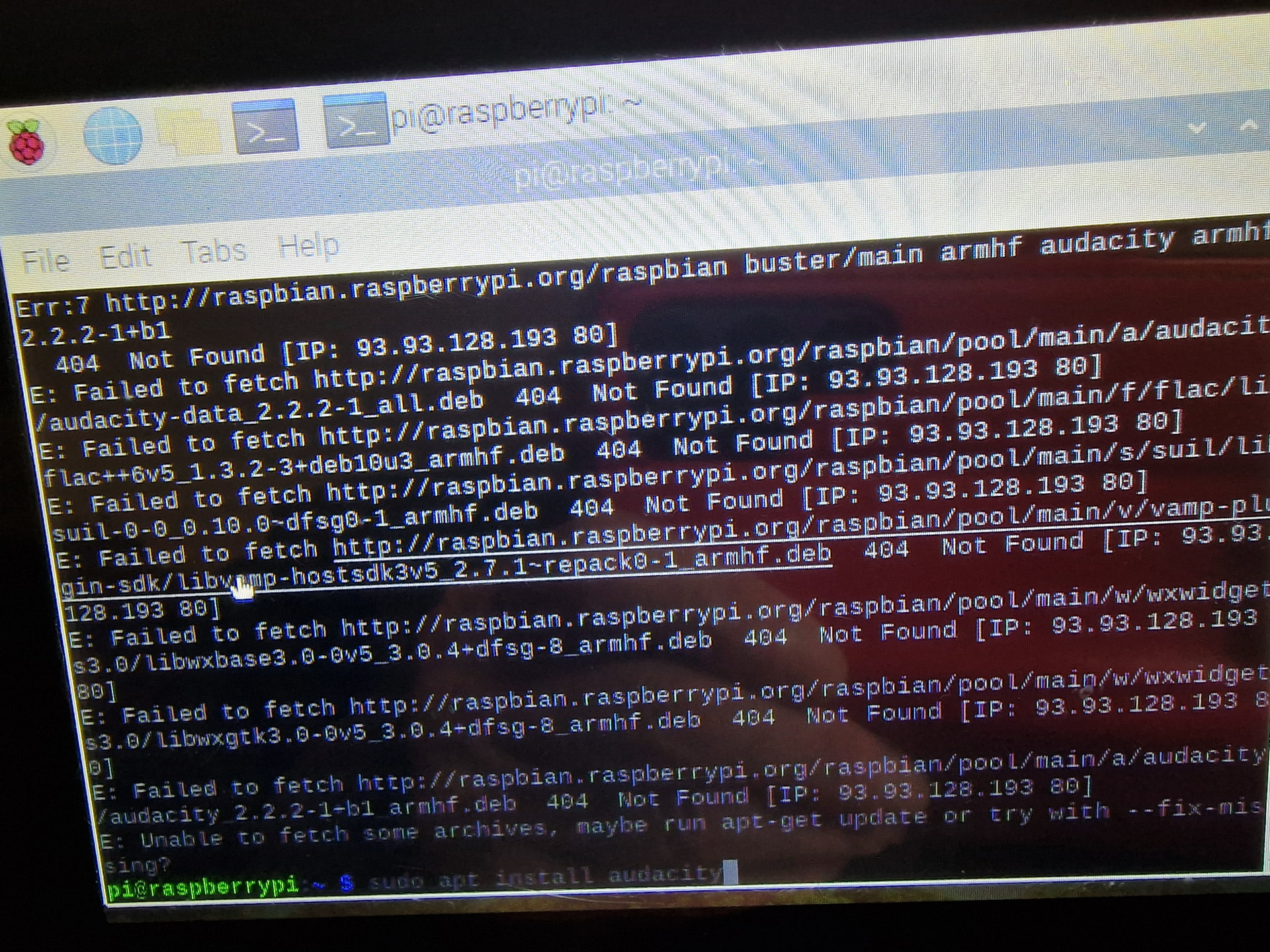
sudo apt install audacity
and start it from the system menu.
The AppImage from Audacity’s website is built for x86_64 architecture for desktops & laptops, so it won’t work on Raspberry Pi which can run 32 or 64 bit ARM ones.
Try this:
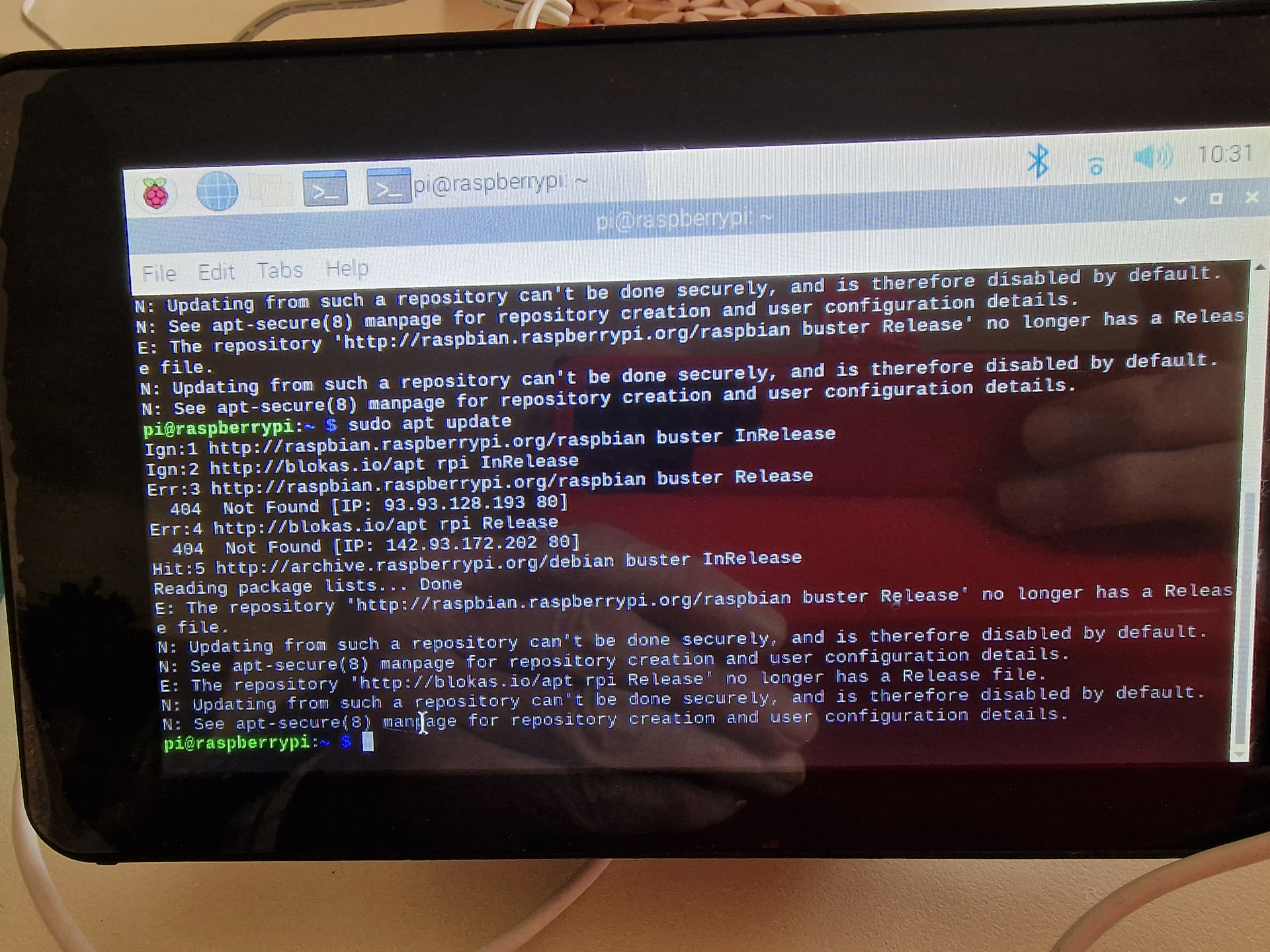
sudo apt update
sudo apt install audacity
I will upgrade the os.
So i will contact after.
David
Yeah, looks like the old package repository is not maintained by Raspberry Pi anymore, flashing the SD card with a fresh OS image should fix that.
Yes that seemed to work.
Thanks
David
Hello Giedrius
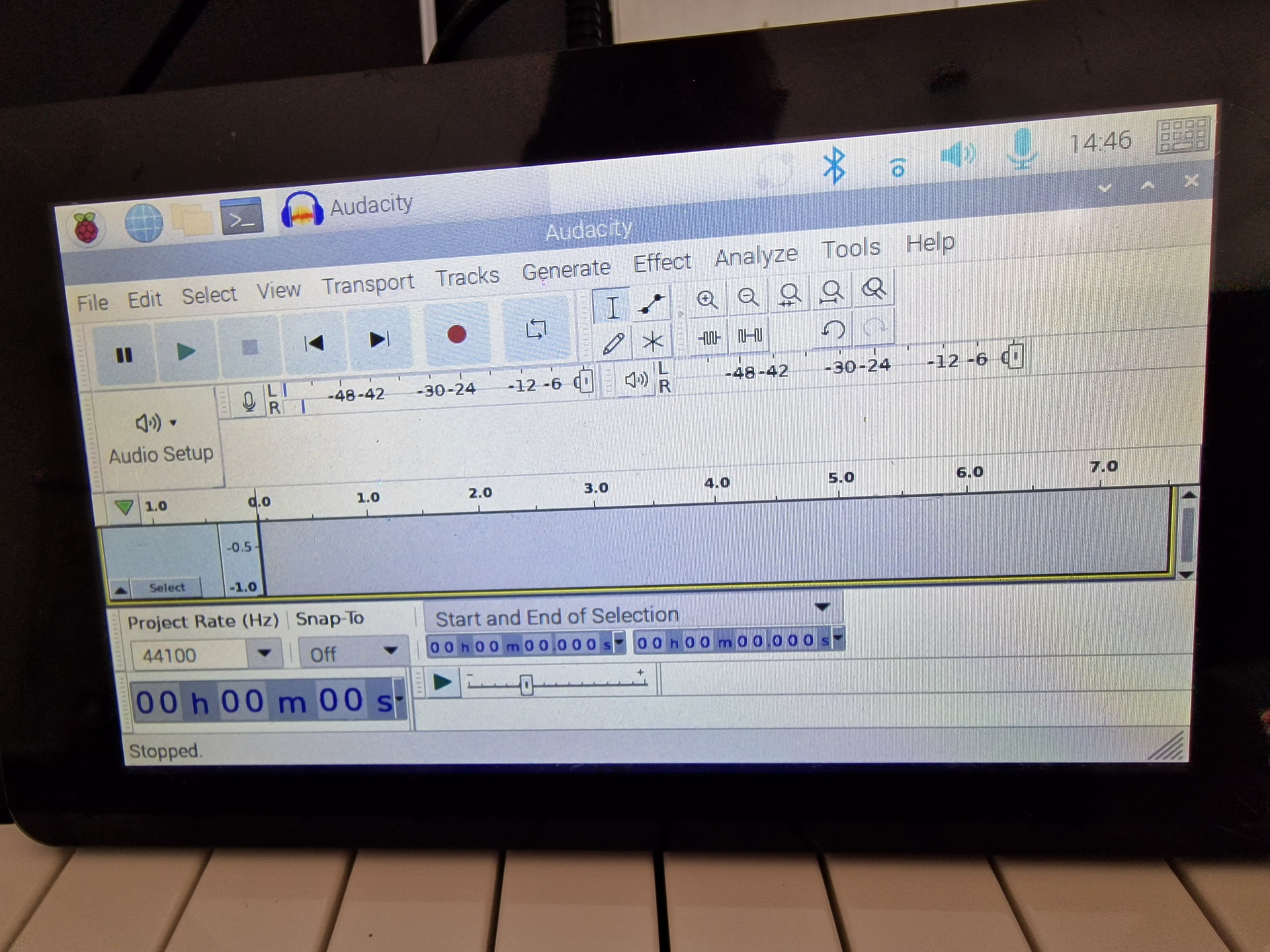
So i was able to install audacity. And able to connect a microphone. And see that it was working by pressing start monitoring. But not able to record. When i press the record button nothing seems to happen.
I tried connecting headphones to the line out jack. But this also seems not to work?
What am i doing wrong. I was able to record on my lap top. And play back.
David
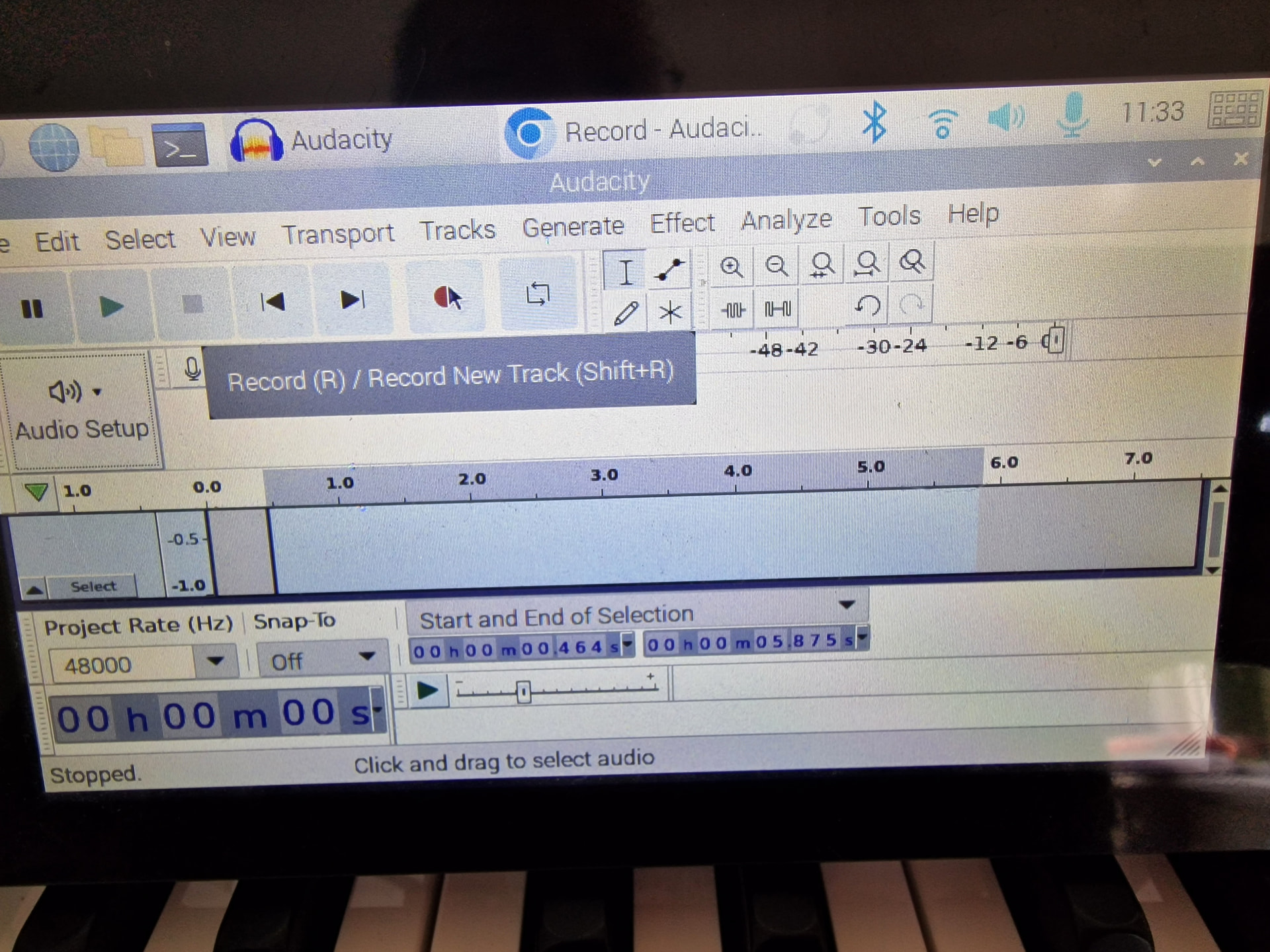
Could you post a screenshot here how Audacity looks like when you are recording?
I will try to upgrade to rp4.
David
Try changing Project Rate to 48000 as Pisound suports only multiples of this sampling rate - 48kHz, 96kHz and 192kHz.