I am trying to get a Softstep midi controller to control effects settings in Ardour.
Ardour won’t recognise the softstep (just has a series of things like midi_capture_1, midi_capture_2) etc… if I run a2jmidid -e & it recognises it, then loses it again on reboot.
Am I going about this the right way?
If so, how do I get a2jmidid -e & to start automatically on boot?
Rasberrry Pi 5
Patchbox OS Bookworm ARM64 2024-04-04
New Pisound hat
Ardour 7 (successfully getting an audio input from the Pisound)
I’ve tried
aconnect -i → outputs as expected
aconnect -o → outputs as expected
aseqdump -p 24:0 → the hardware is getting the midi signals
..
The reason I ask “am I going about this the right way?” is that even though Ardour can recognise the softstep after a2jmidid -e , it is showing up as hardware (for output), but the midi-in still isn’t showing up.
It depends on the MIDI implementation you select, it should be easiest to deal with ALSA sequencer implementation, as it requires no special configuration at all, and works just fine.
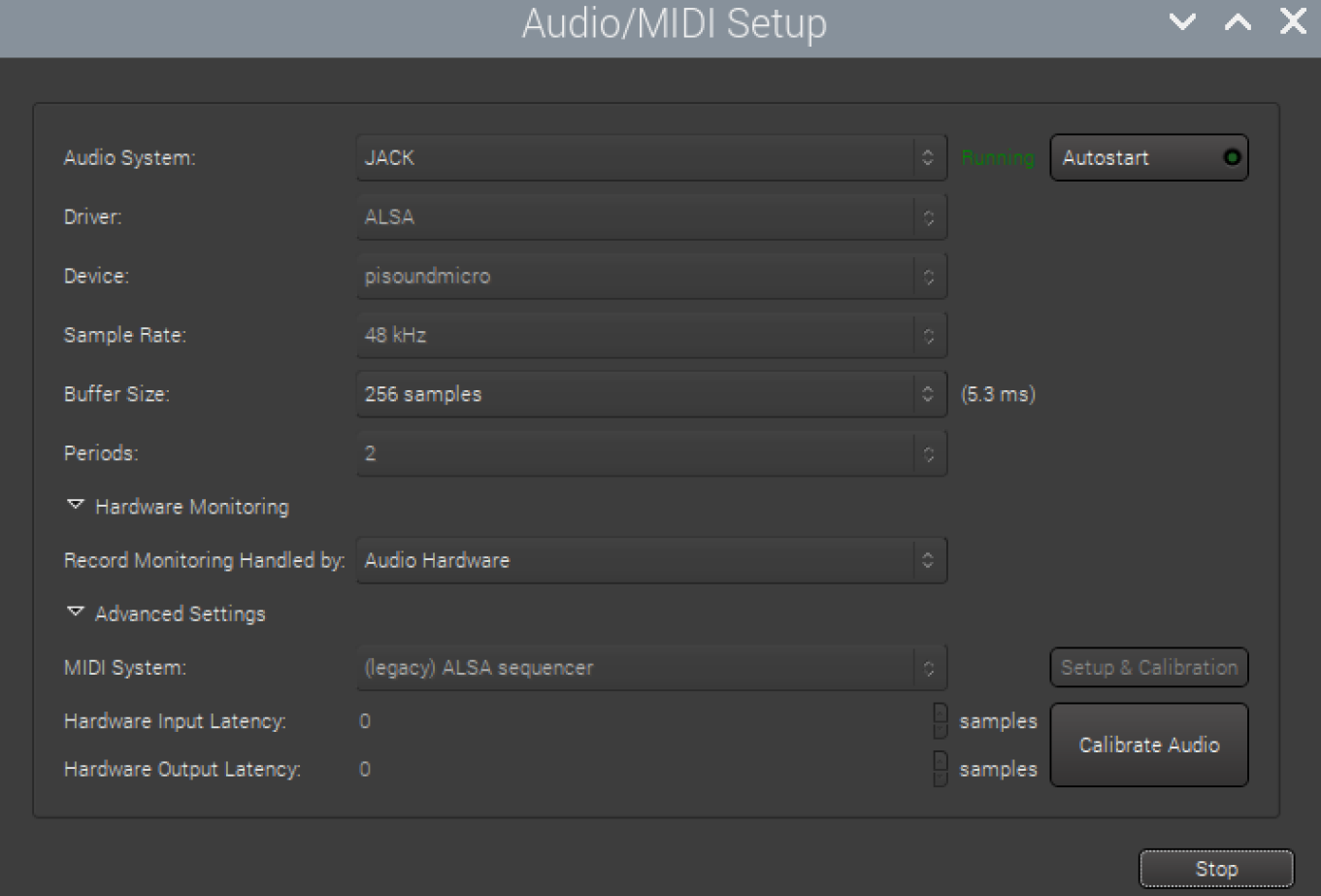
Here’s a screenshot of a configuration that works for me:
I’m pretty sure your Audio Midi Setup looks quite a bit different to mine with regards options available.
I’m not alas able to take a screen-grab on account of deciding to make a protective box for the pi, the assembly of which wound up destroying the pi itself, continuing a theme of my life that started in about 2016.
Also I’m in New Zealand - so there’s quite a big lag reply-wise. Sorry.
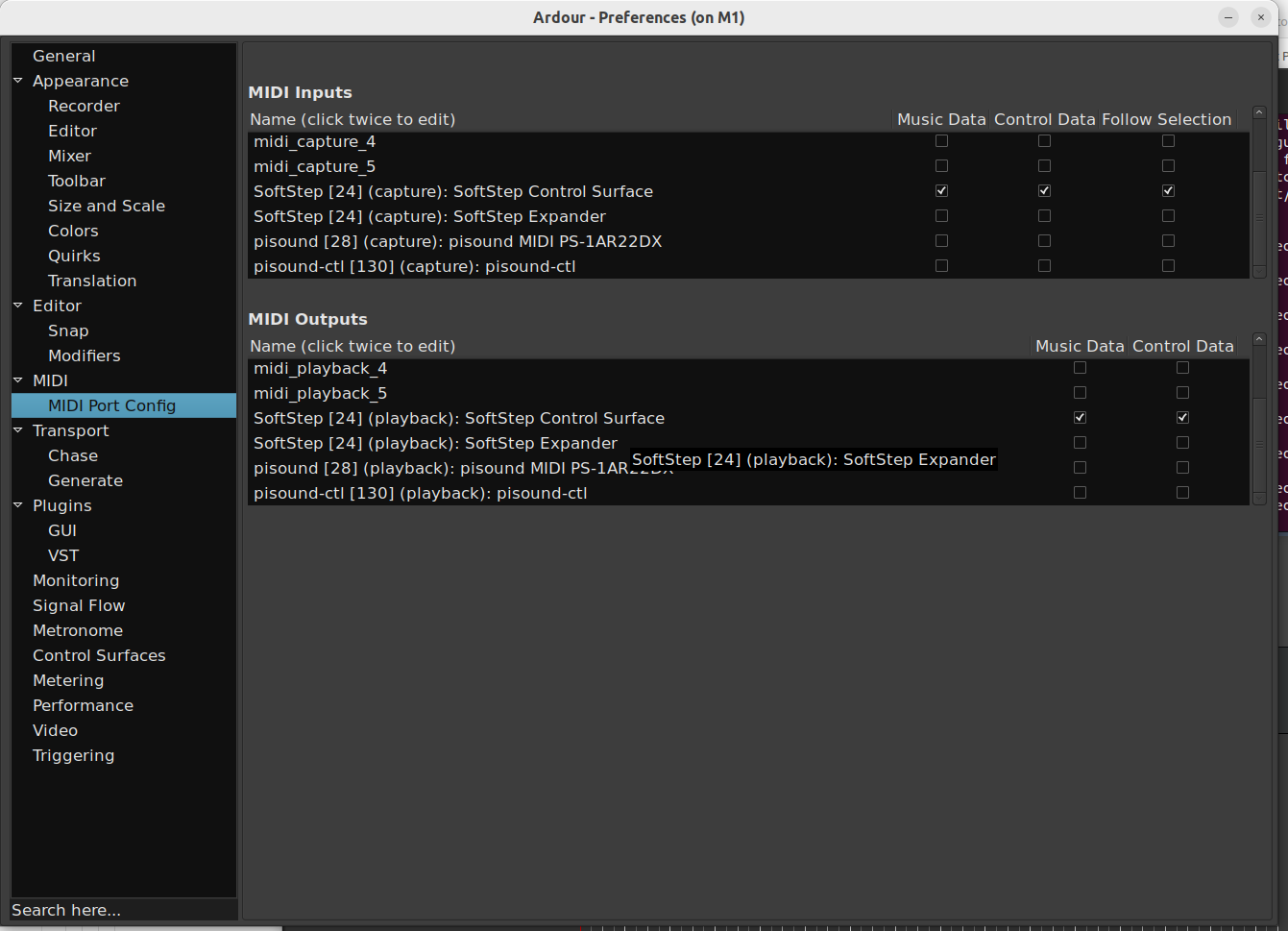
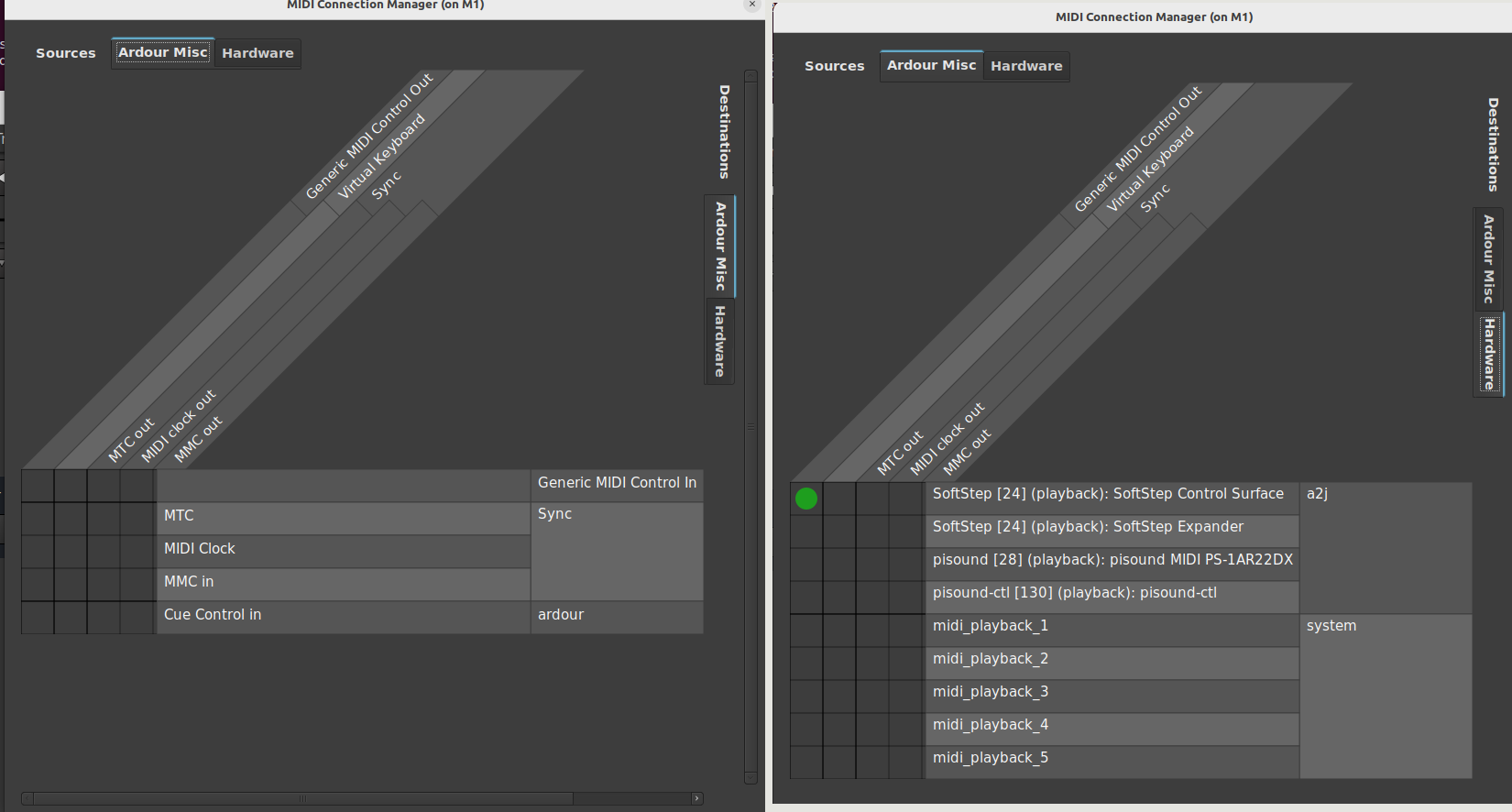
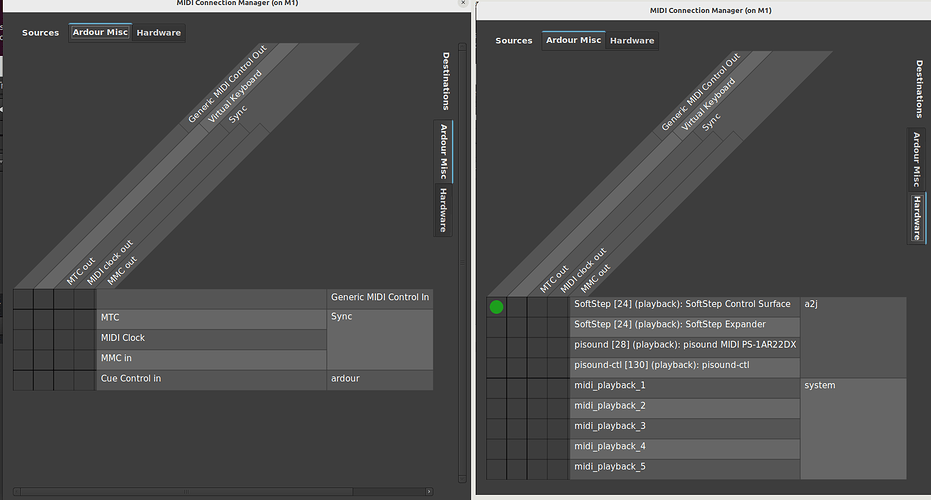
Attached are screengrabs that I find troubling, taken yesterday prior to “the incident”
It worries me that there isn’t a binding… The default is “drop bindings” - I’ve left it at that, but that might not be right. There isn’t any hardware in the dropdown list that looks like a softstep
Thanks again for your help - and I suspect this might be an “ardour problem”… but I’d rather communitise here on account of liking the whole open source hardware thing. I’ll get back to you when I have a working system again.
The Audio / MIDI Setup dialog appeared immediately after creating a session at Ardour startup.
Ah, it turns out in case the Jack server is already running, it does not allow you to select the MIDI driver to use, hides these options and forces you to use Jack MIDI implementation.
In that case, you’ll have to go with a2jmidid -e. One of the ways to make it start automatically is to make it a systemd service:
Thanks for that - the a2jmidid is now running on boot instructions, and everything is showing up (I think) as it should in Ardour… although the midi signals seem to only come in on midi_input_2, which seems to be some sort of default/generic thing in a way that I don’t entirely understand.
So I still can’t get it to work, but I think this is an Ardour problem rather than a Pisound problem. It’s possibly also a Nick Taylor problem. More often that not, that’s what problems turn out to be.
Anyhoo… thanks for your help, and thanks for making this gear. I think what you do is inspiring. Hi from NZ.
The tabs where it says misc / hardware… I didn’t realise that these could go horizontally as well as vertically. My brain simply didn’t register the tabs at the top.
I’ve tried to get a2jmidid service to work as described, but when I restart it I’m getting the following:
May 16 13:22:51 patchbox systemd[1]: a2jmidid.service: Scheduled restart job, restart counter is at 2.
May 16 13:22:51 patchbox systemd[1]: Stopped a2jmidid.service - a2jmidid.
May 16 13:22:51 patchbox systemd[1]: Started a2jmidid.service - a2jmidid.
May 16 13:22:51 patchbox a2jmidid[4755]: Directory “/nonexistent/.log” does not exist. Creating…
May 16 13:22:51 patchbox a2jmidid[4755]: ERROR: ensure_dir_exist: Failed to create “/nonexistent/.log”>
May 16 13:22:51 patchbox systemd[1]: a2jmidid.service: Deactivated successfully.
My a2jmidid.service file is identical to the one posted in previous messages in this thread.