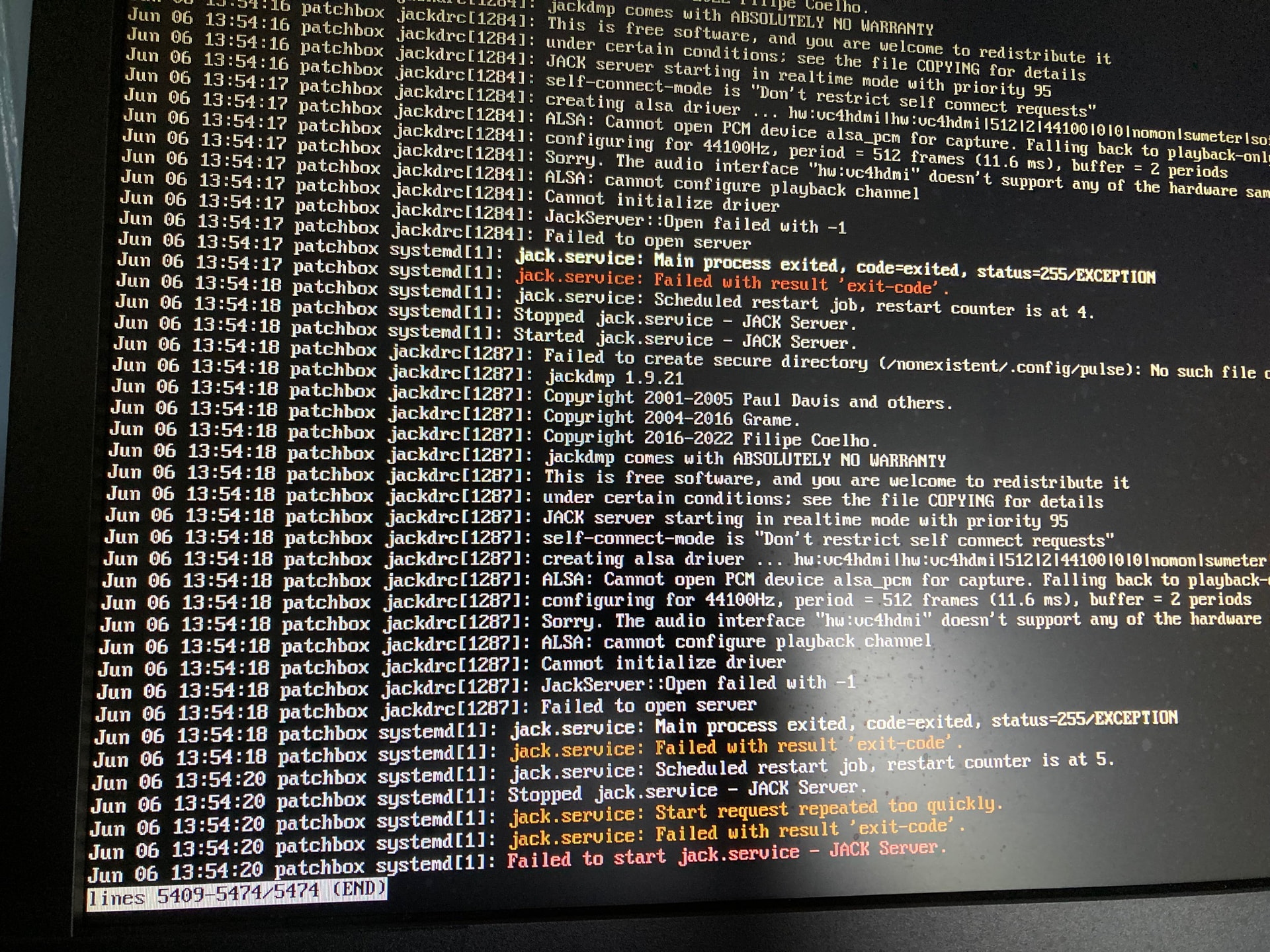
Hi-Im having issues with trying to get Jack to work.
Im newbie in Raspberry Pi. I did ther troubleshooting and attach a creen shot.
The patchbox state is ‘degraded’ and modep had issues showing it loaded but failed in active and sub.
im on a pi 3b+ and installed the Patchbox 6.12.87
Hoping you can assist-many thanks
Try reconfiguring the Jack backend in patchbox, using higher buffer settings. USB sound cards and built-in cards usually require larger values.
Hi, thanks for the suggestion.
I tried all the buffer settings and each of the sampling rates and they all say Error: Failed to start Jack service! Try different settings!
I was using the HifiBerry DAC+ADC card.
I hope you may have other insights as to possible fix, kind regards
Hi again
I temporarily got it to load Jack and apparently no errors by entering the config file and uncommenting about the default audio and adding a line about the HiFiBerry.
My next issue is that after doing sudo reboot and the patchbox wizard, selecting the module and the default boot option, I selected the desktop and now all I have is a flashing cursor-cannot enter text…I can only guess this is not correct.
Do you have any suggestions on how to proceed, please?
thanks
Haven’t ever encountered this. Maybe your config.txt changes impacted something?
Hey, thanks for quick reply. It ran fine after config had changed, and I ran the patchbox wizard, this was good as it picked up the correct sound device and the settings were as before, but yes, it was only after selecting the option to boot to Desktop that causes the hanging cursor.
I presume them that the only option is to reflash the OS and make changes as before for JAck but I’m wary as maybe be it will just lead back to flashing cursor…
Is it possible to run the Modules just via the C prompt (would prefer the GUI but perhaps that’s cuasing an issue?).
I ordered a SoundPI that will come this week but hoped id be able to get a second 3b+ working now using the HiFiBerry, thanks again, especially if you have any suggestions
Unfortunately we don’t have any HiFiBerry cards to test with… But I’d give reflashing a try, maybe first set up the Desktop mode and then the audio.