Hello, I’m new here so let me know if this has been answered already somewhere.
I have my Octatrack connected to my new Midihub and I can start and stop the clock using its transport controls. In the editor I can’t seem to midi learn the Octatracks transport controls so the other gear that’s connected to the Midihubs outputs won’t start or stop unless I manually click the transport controls in the clock properties section.
What am I doing wrong???
Also, can I have the Midihub automatically follow the Octatracks clock and pass it on without having to set it in the editor?
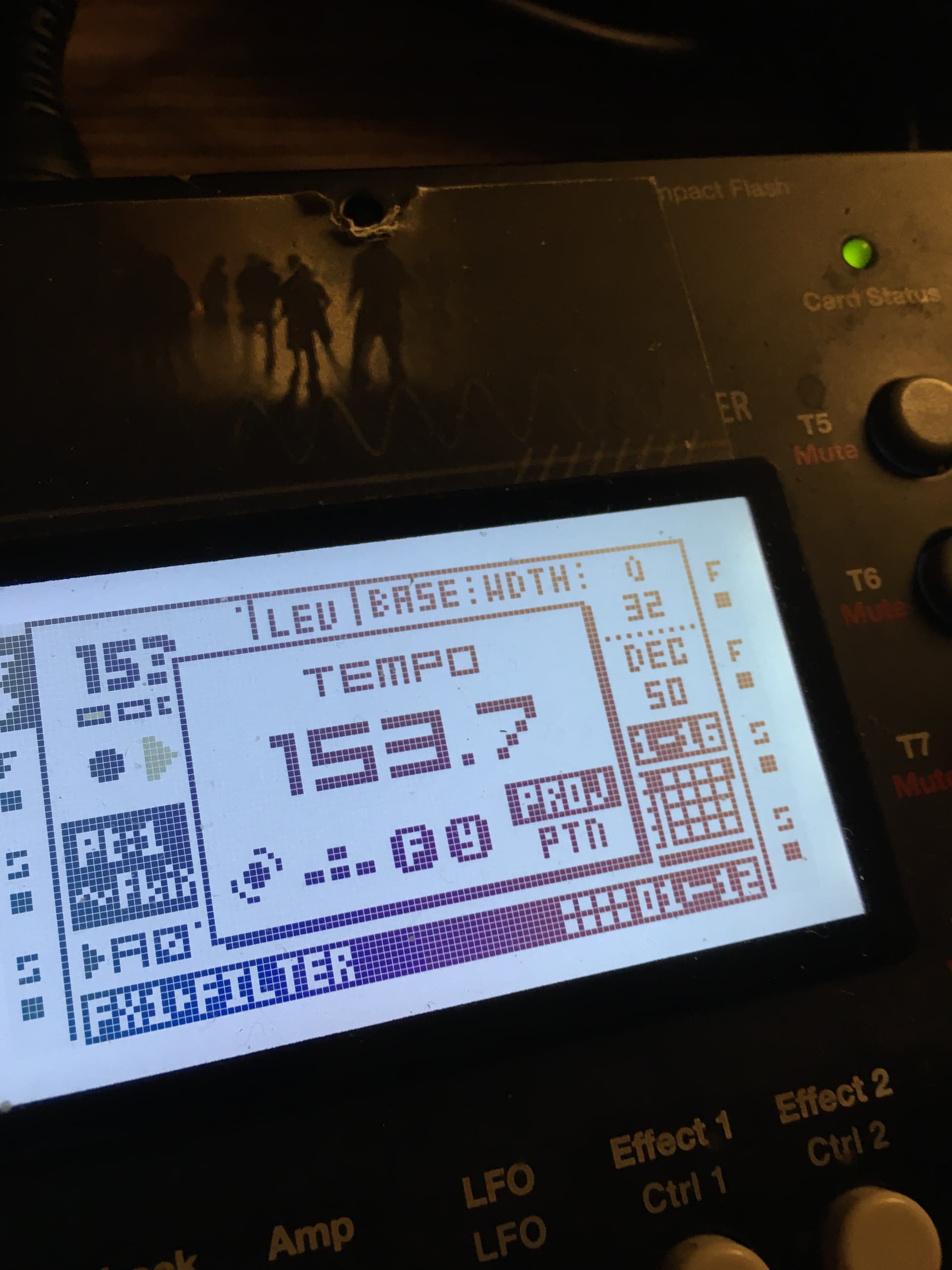
*edit: I can get the Digitakt to start and stop using the settings below but the Digitakt plays at twice the tempo of the Octatrack.
this is the easier part, @Bork69 (welcome to Midihub, btw!):
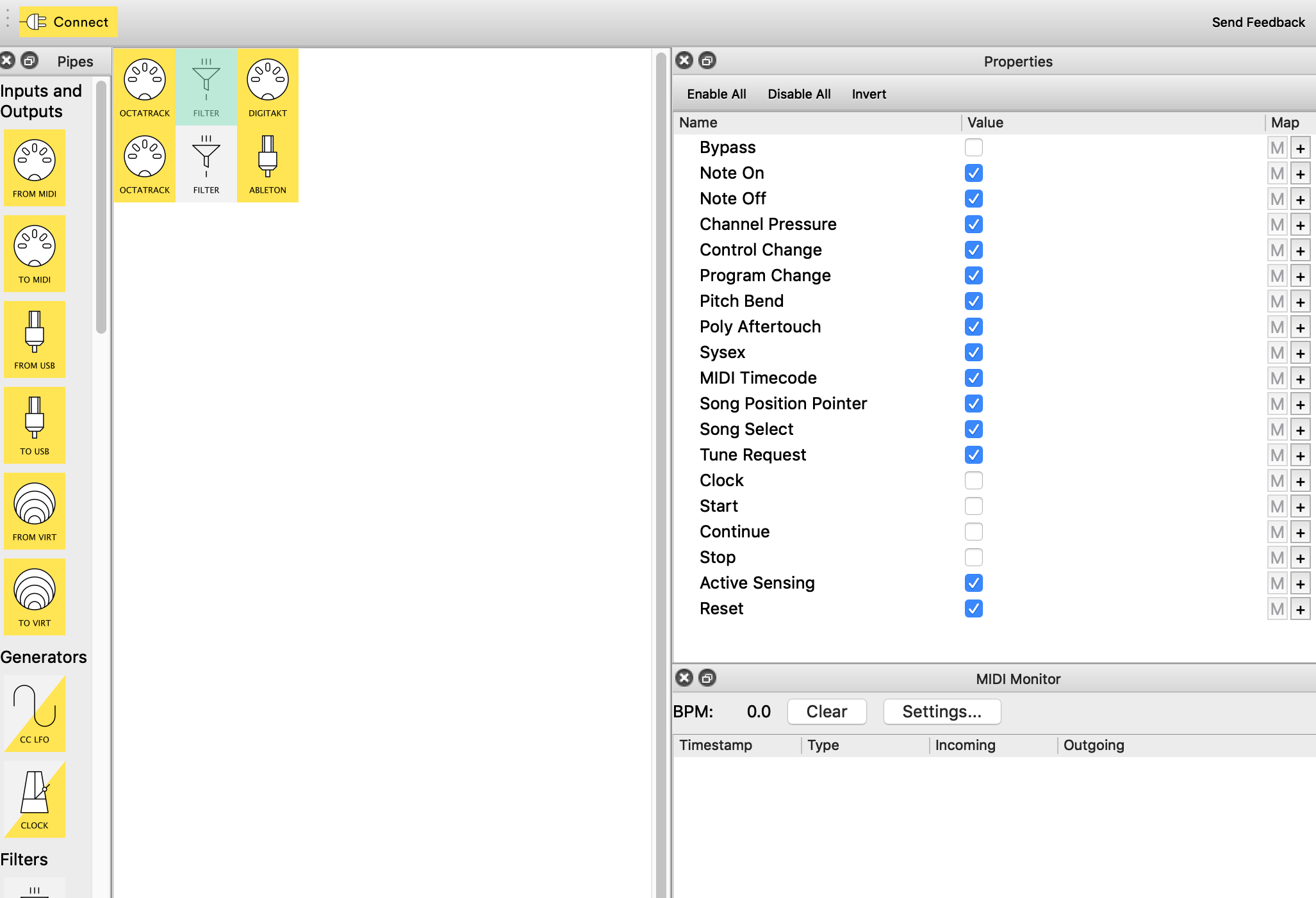
in the setup shown above, everything that’s coming in from OT is also going out to Digitakt and USB-A…
…so you don’t need the Clock pipe if the OT is already providing clock messages.
This explains why you’re getting a double clock because both the Midihub pipe and OT are adding their clock ‘ticks’ into the flow
check it out yourself!
make a quick test patch while MH is connected:
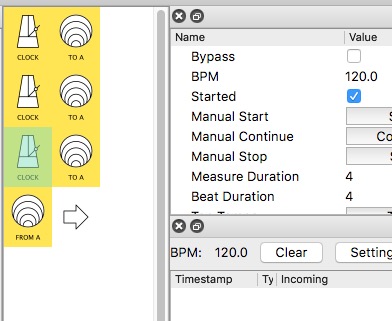
here are 3 Clocks all sending 120BPM to Virtual A-OUT
guess what the BPM at Virtual A-IN is…
(so if you don’t want everything getting through, drop in a Filter pipe to discard whatever you don’t need)
I can’t seem to midi learn the Octatracks transport controls so the other gear that’s connected to the Midihubs outputs won’t start or stop unless I manually click the transport controls in the clock properties section
Not really understanding what you want here:
do you want the OT’s Stop/Start/Continue to get passed onto the DT & USB-A?
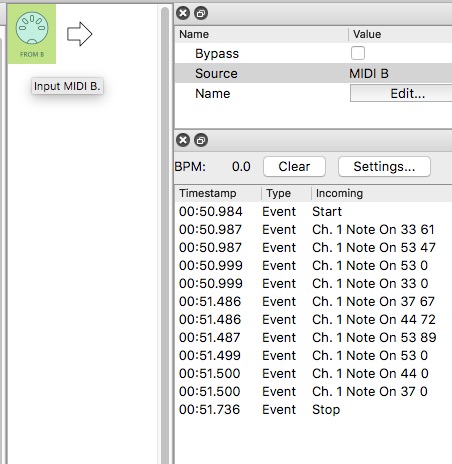
If yes, use MIDI monitor to check what’s coming in
(PS I’ve used Settings… → Incoming Filters to hide the some messages to make it more readable)
btw, How is the device getting the MIDI from USB-A–via a Patchbay?
Ok, so after reading your reply about the Octrack and Midihub clocks doubling that made total sense. I ended up not sending clock from the Octatrack and only using the transport controls. I am now using the Midihubs clock and it seems to be keeping everything, especially Ableton, in much better sync than what it was without the Midihub.
I guess I just have to set the BPM in the editor if I’d like to change it for the next track I work on.
if i understand correctly you want to control DT&Ableton with OT,
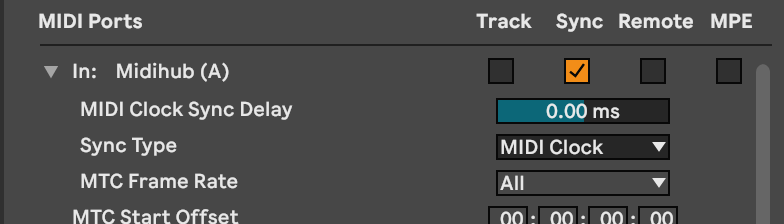
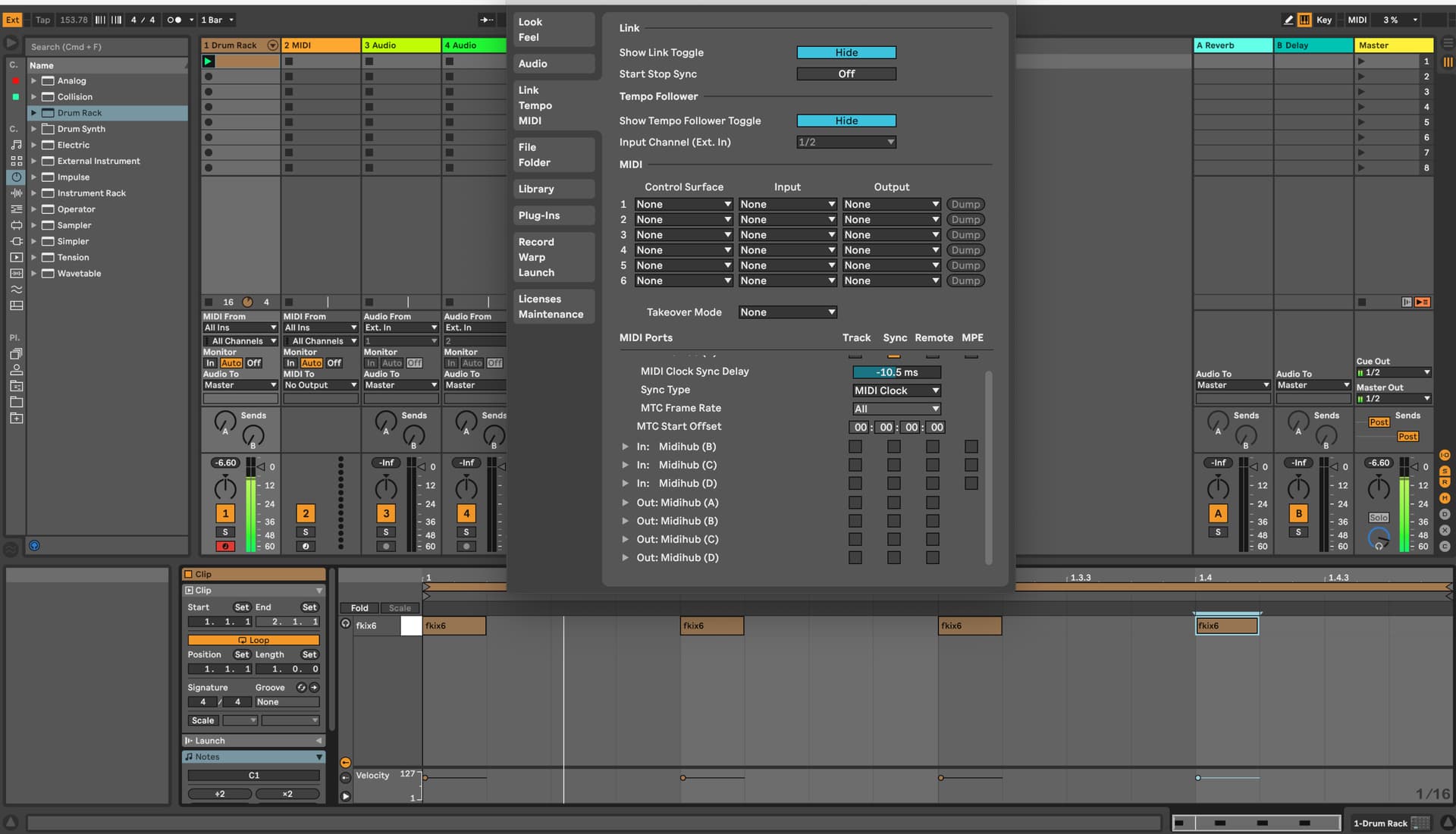
if that is the case then i recommend this way plus ,adjust MIDI CLOCK DELAY OFFSET in Ableton until you feel is right
The main issue I had been trying to address was that, without a master clock, Ableton’s bpm would go way down (like -27 bpm) when I pressed play on the Octatrack.
Now with the midihub as master clock, when I press play on the Octatrack Ableton stays in sync within 1 bpm.
hmmm,that is interesting,i just made test my self to be sure
so i am sending midi clock from OT to Midihub and to Ableton,and to be honest i have table solid BPM match up to one decimal point
i am on MB pro 2014,macos 10.14,midihub that is it
one little thing is that on the start ableton is adjusting to a offset ,but other then that is pretty solid as it can for a midi,so i am intrigued ,why you have that problem
did you set on OT to send TRANSP and CLOCK?
let’s fix that
because it should work pretty stable
That was just an example of why I bought the midihub.
Without the midihub as master clock, Ableton takes too long to catch up to my Octa’s clock. I want to record external instruments into Ableton and the bpm delay is too much to make it work how I think it should.
With midihub as master clock, when I start my Octa Ableton stays in time right from when I press play, which is what I want.
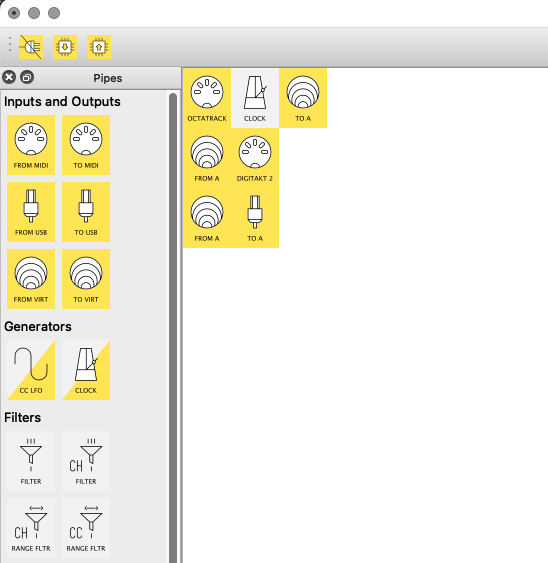
 that’s coming in from OT is also going out to Digitakt and USB-A…